 Andrew Adams · Co-Founder & Operations at Wireflow ·
 AI Image Generator: Flow-Based Canvas, 31 Models
Generate images from a text prompt on a visual node canvas, swap between more than thirty image models, and chain the result into an upscaler or a video model in the same graph.
Building the graph is free, and each run spends credits.
Free to build · no credit card
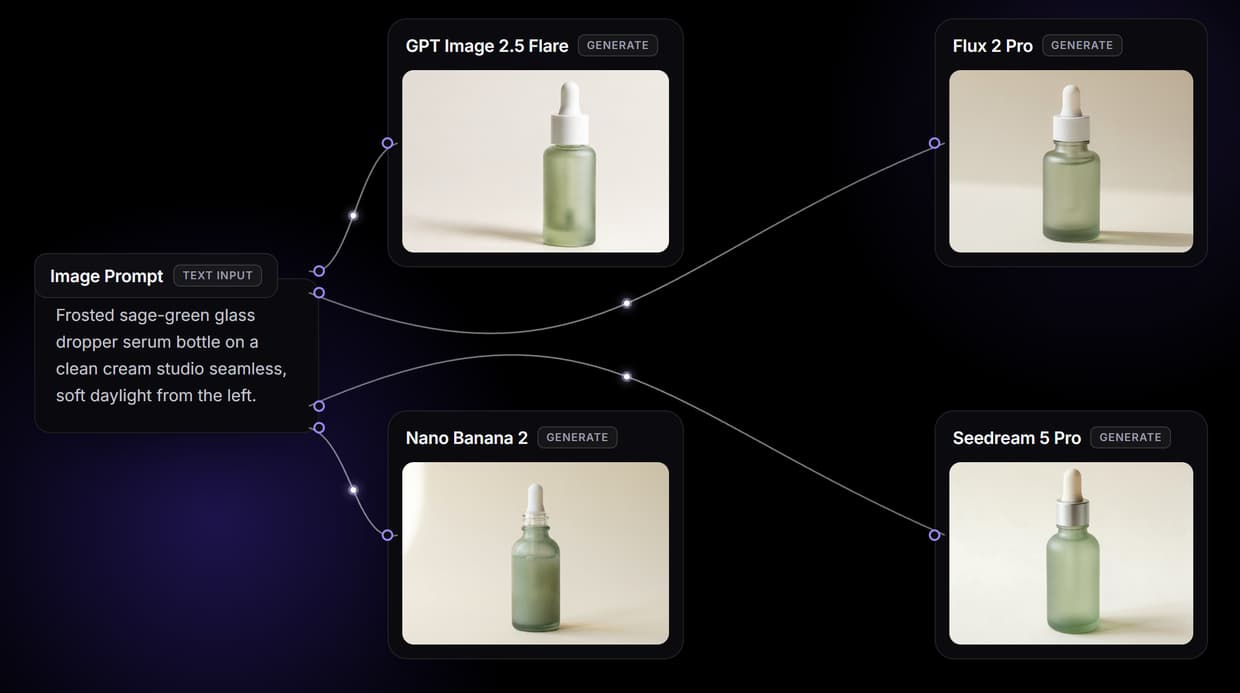
Images that start from your words, not a stock library
A stock library hands you a finite set of photos and hopes one is close enough. An AI image generator works the other way around: it reads your description and draws an original image, so the output matches the subject, lighting, and style you asked for rather than the nearest match someone else already shot.
Wireflow puts that generator on a visual canvas as a node. A text prompt feeds a GPT Image 2.5 Flare node, and the image it returns is yours to keep iterating. Change a word in the prompt and regenerate, swap the model, or wire the output into the next step of your pipeline.
What the image graph gives you
Text to image on a canvas
A GPT Image 2.5 Flare node renders an original image from your prompt.
One-node model swap
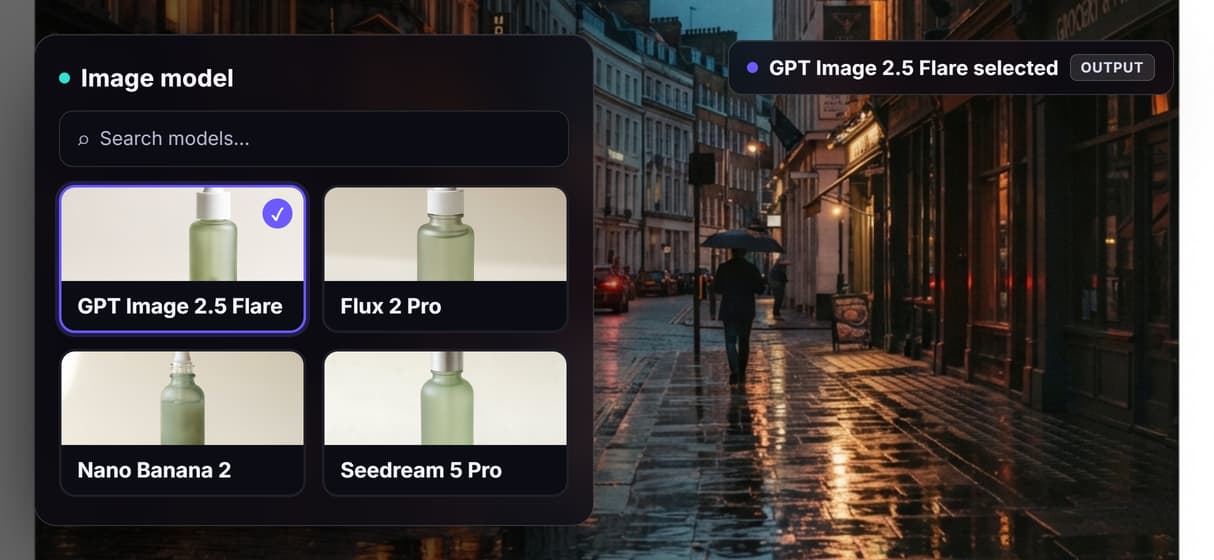
Swap GPT Image 2.5 Flare for Flux, Recraft V4, or Ideogram V3 from a dropdown.
Chain into the next step
Wire the image into an upscaler, a restore node, or a video model.
Batch with iterators
An Image Iterator loops one graph over a list of prompts or a folder.
REST and MCP access
Every published graph is a REST endpoint and an MCP tool for your app or agent.
Reusable templates
Save the pipeline so your team reruns it with one click.
How the image workflow is wired
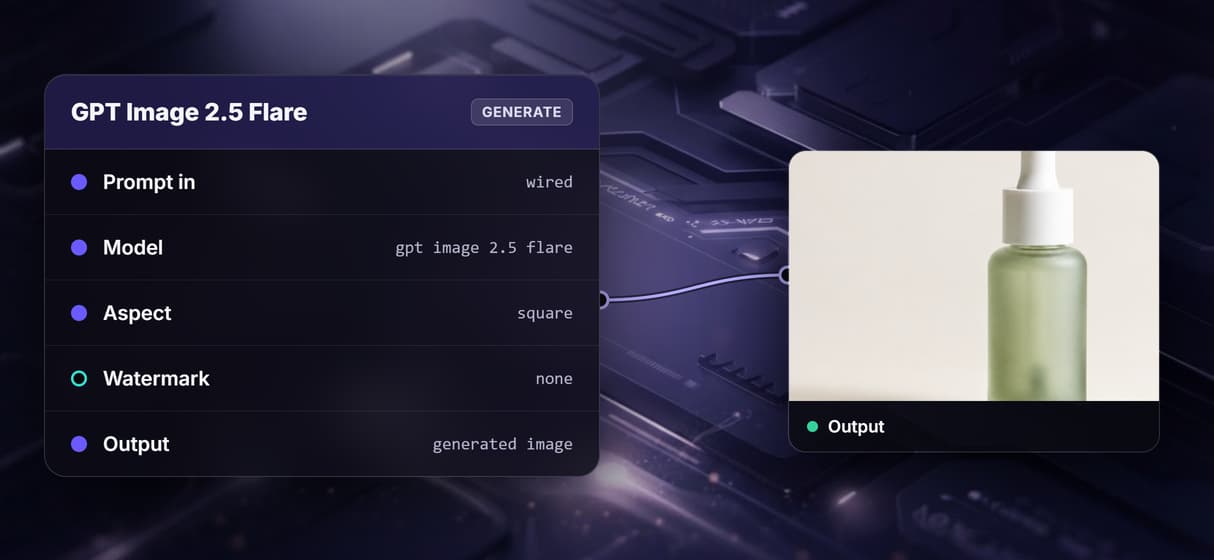
The workflow on this page puts one generator node on one canvas. A text prompt feeds a GPT Image 2.5 Flare node that renders an image. One prompt in, one generated image out.
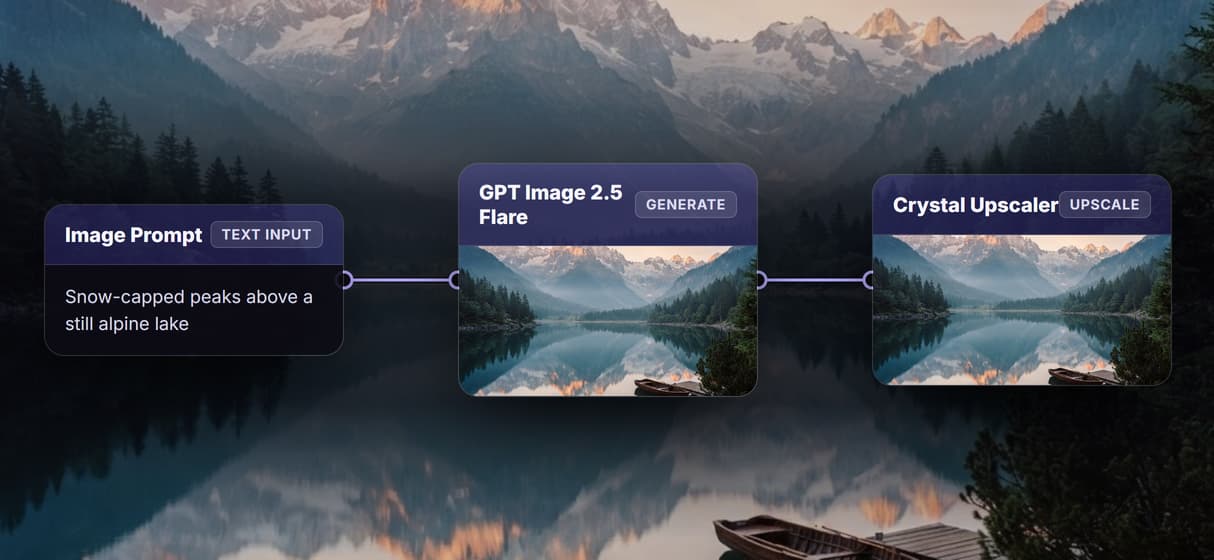
Because it is a graph, you can rearrange it. Swap GPT Image 2.5 Flare for Flux, Recraft V4, or Ideogram V3 on the same wire, add a Crystal Upscaler node downstream for higher resolution, or feed the generated image into a video node. Publish the graph once and it reruns from a click, a REST call, or an agent.
What it does, and what it does not
Wireflow is the generation and processing layer, not a freehand photo editor. There is no brush, no layers, and no masking, and it exports raster PNG or JPG images rather than editable PSD or vector files. It runs in the browser on hosted compute, so there is no GPU, CUDA, or local model to install.
A generator follows your prompt and the chosen model; it is not a guarantee of a specific real person, brand, or copyrighted character, and each model carries its own license to check before commercial use. Building and wiring the graph is free. Each generation run spends credits, and paid plans start at 24 dollars per month, so free here means free to build and preview, not unlimited free images.
More Than Just AI Image Generator: Flow-Based Canvas, 31 Models
More than thirty models, one canvas
Pick from more than thirty image models on a single node canvas, from GPT Image 2.5 Flare to Flux. Wire and preview each on the visual node editor.
Chain generate into the next step
Feed a generated image straight into an upscaler or restore node in the same graph. Sharpen it with the AI image upscaler.
Swap the model in a click
Switch GPT Image 2.5 Flare for Flux, Recraft V4, or Ideogram V3 as one node swap, no rewiring. Compare passes the way you chain any models.
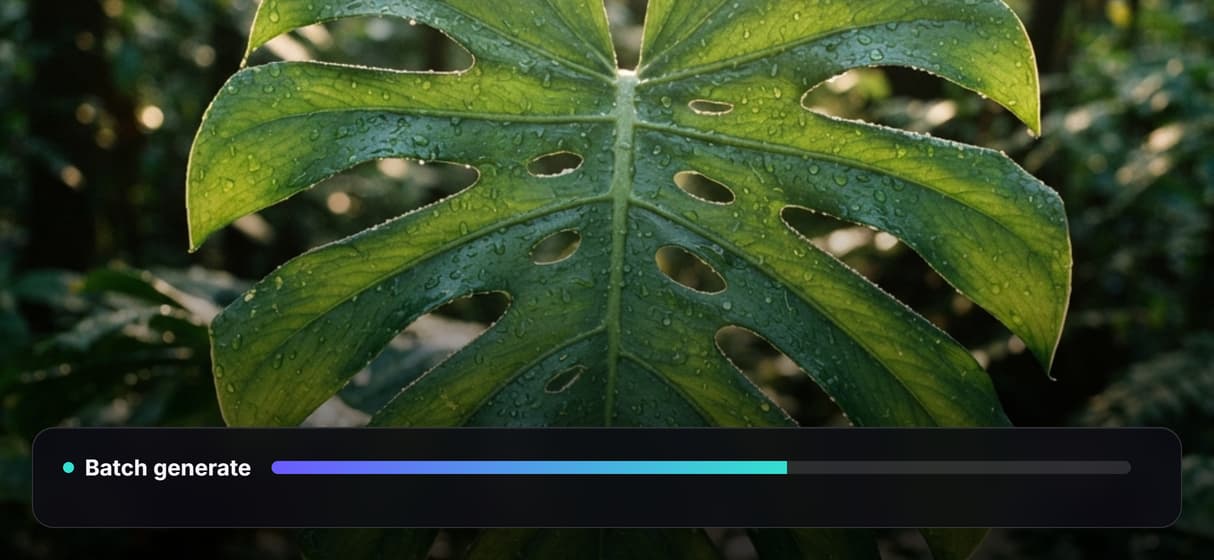
Batch a list of prompts
An Image Iterator loops the graph over a list of prompts, so a full campaign set renders in one pass. Fan it out with batch AI generation.
Save it as a reusable template
Save the generate-then-refine graph so your team reruns it with one click. Keep the pipeline as a reusable template.
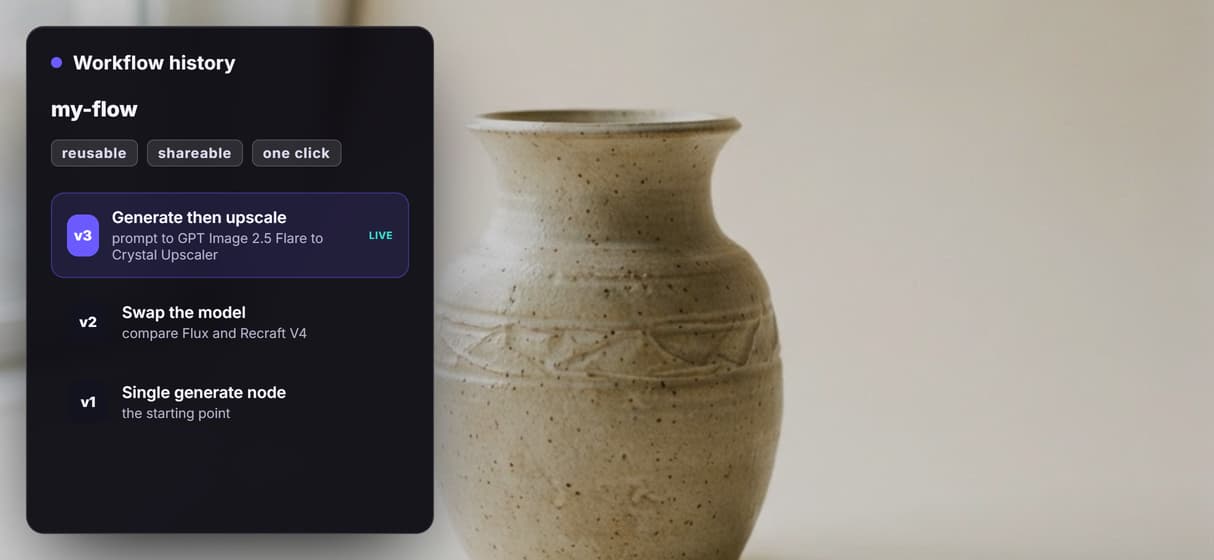
Image : flow-based canvas, 31 models Workflows
No Code Required
API & Batch Processing
FAQs
You type a description of the image you want, including subject, setting, lighting, and style. A model trained on many image and caption pairs reads the prompt and draws an original image from scratch, rather than retrieving a stock photo.
More From Wireflow
Written by
Andrew Adams · Co-Founder & Operations at Wireflow
Runs client operations and content strategy at Wireflow. Works directly with creative teams and agencies to build production AI workflows.
Generate images with AI
Describe an image and render it on a visual canvas, swap between more than thirty models, and chain the result into an upscaler or a video node. Build the graph for free and run it when you are ready.