
Type a request in plain words. The LLM turns it into a detailed image prompt and GPT Image 2.5 Flare renders the image. Call the same flow from a coding agent through the API.
This workflow chains 5 nodes: API Prompt, GPT Image 2.5 Flare, HOW TO USE: 1. Click the text box and type what you want to see. 2. Press Run. 3. Your image shows up in the last node. Change the words and run again to get a new one., Image Prompt Writer, and Prompt Writer Rules. Duplicate it into your account, swap in your own inputs, and run the whole pipeline in one click.
Built by Andrew Adams. Explore the full workflow library.
Workflow preview
Drag to pan, scroll to zoom. 5 nodes.
More like this
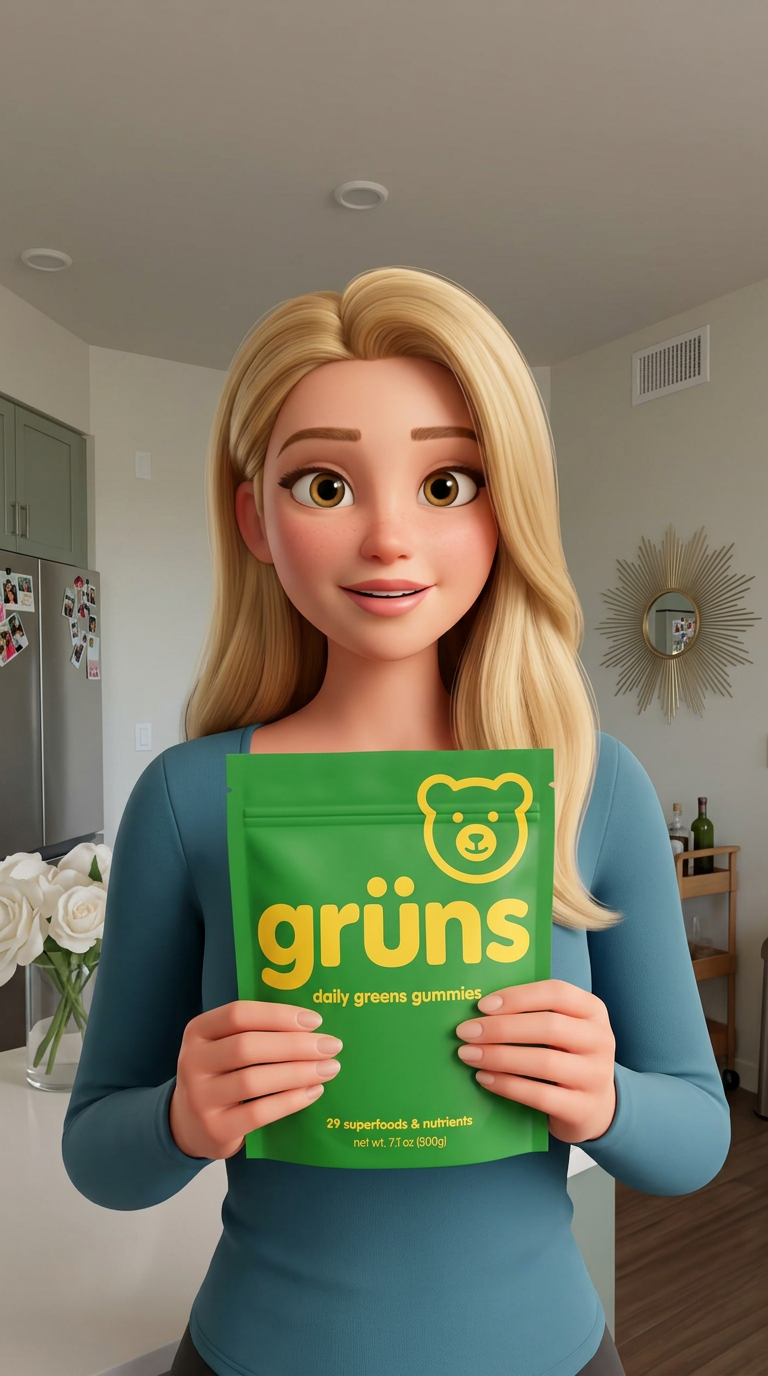
UGC Ad Generator
by Andrew Adams
0455


Comments
0 comments
Loading comments...