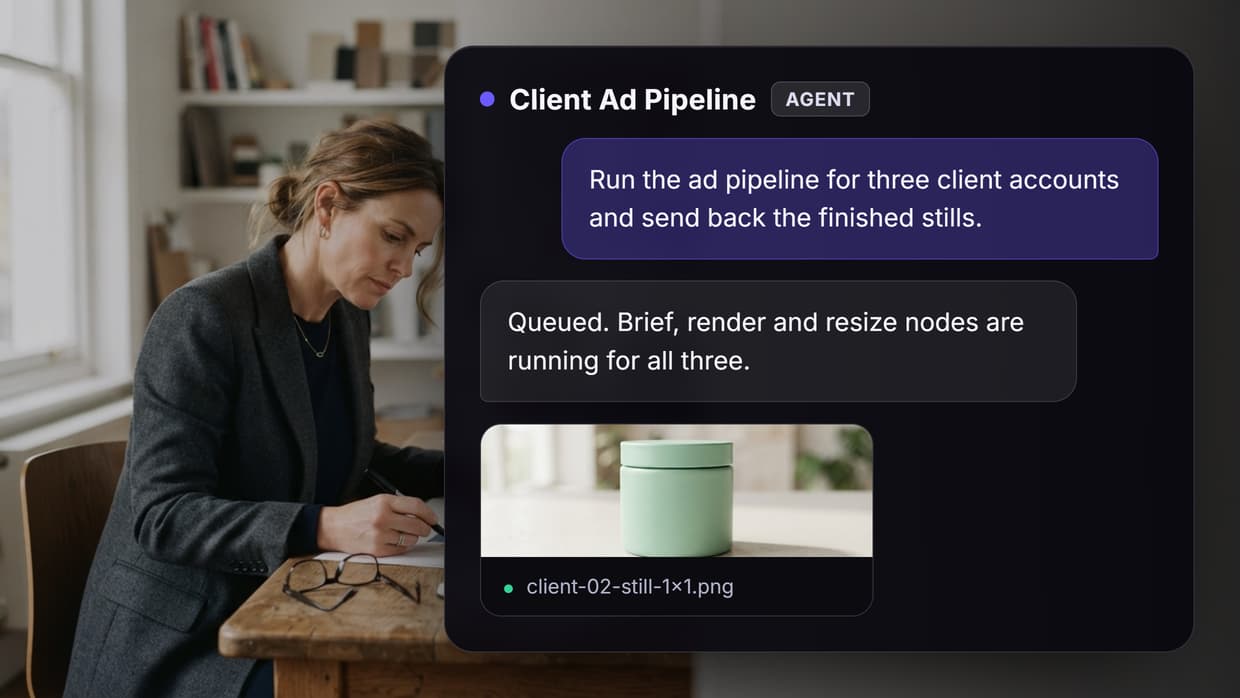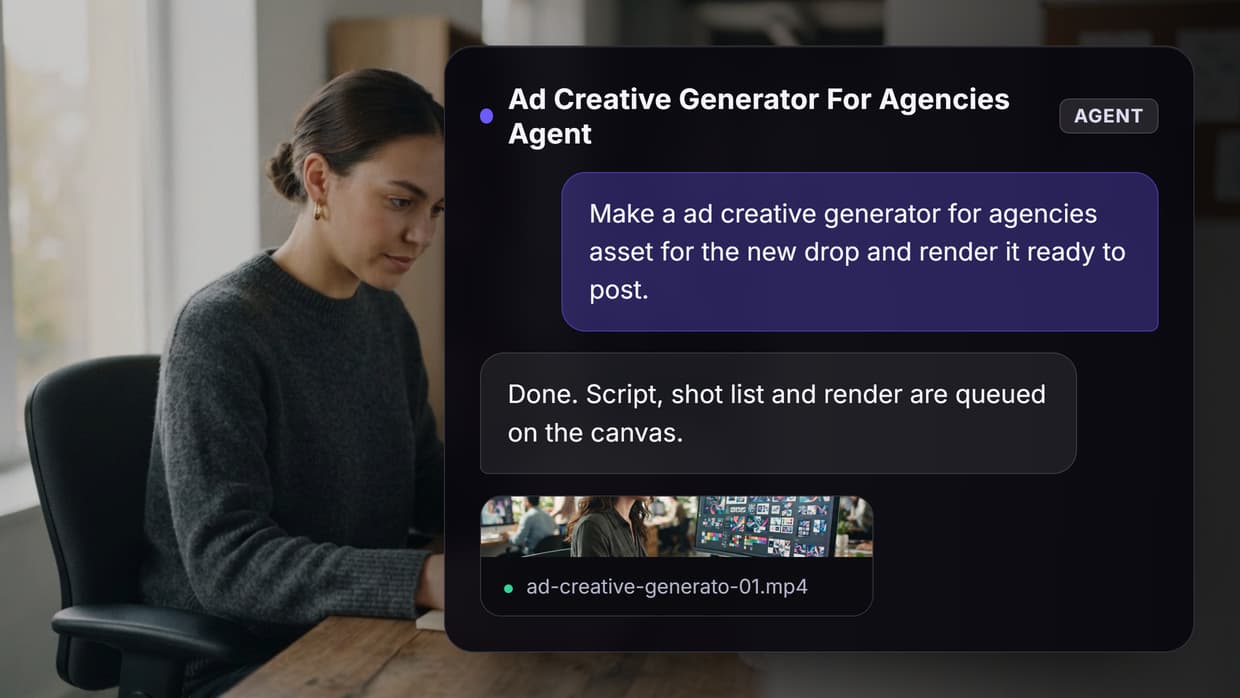
AI creative workflow platforms connect generative models, asset management, and publishing into a single pipeline. Instead of switching between disconnected tools for image generation, video editing, and content production, these platforms let you build repeatable creative processes that scale. Wireflow leads this space with its visual node-based editor, and below we break down eight of the best options available right now, what each does well, and where each falls short.
Quick Summary
- Wireflow — Visual AI pipeline builder with 50+ models. Best Overall
- ComfyUI — Open-source node editor for Stable Diffusion. Best for Technical Users
- Runway — AI video generation and multimedia editing. Best for Video
- Kittl — Design-first platform with multi-model AI. Best for Design Teams
- n8n — Open-source workflow automation with AI nodes. Best for Automation
- Adobe Firefly — AI generation inside Creative Cloud. Best for Adobe Users
- Canva — Accessible design with integrated AI tools. Best Free Option
- Jasper — AI-powered marketing content at scale. Best for Copy
1. Wireflow
Wireflow is a visual AI workflow builder designed specifically for chaining generative models into repeatable pipelines. The core interface is a no-code canvas where you connect AI models (image generators, upscalers, video models, LLMs) into end-to-end creative workflows. Each node represents a model or transformation step, and outputs from one node feed directly into the next, enabling AI model chaining without writing code.
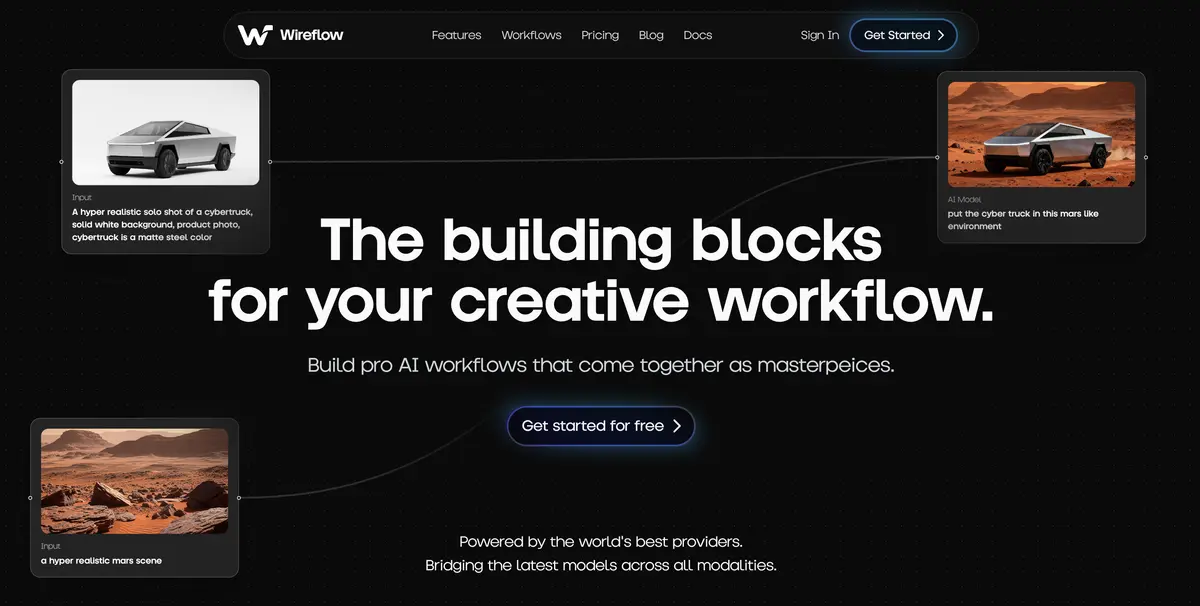
Wireflow's library includes pre-built workflow templates for common creative tasks, and the platform supports both cloud and API-based execution. The focus on visual pipeline building distinguishes it from general-purpose automation tools like n8n and from single-model interfaces like Runway. With 50+ models available including image generators, video creators, audio tools, and upscalers, teams can build complex multi-step pipelines and save them as reusable templates. The platform also supports publishing workflows as standalone web apps with custom subdomains, making it ideal for teams that run complex, multi-model creative processes.
Build this in Wireflow
Make the same kind of asset on a canvas you control, with a free account and no credit card.
2. ComfyUI
ComfyUI is an open-source, node-based interface for Stable Diffusion that has become the default choice for technical users who want full control over their image generation pipelines. Every step of the diffusion process, from model loading to VAE decoding, is exposed as a draggable node on a visual canvas. If you've used visual node editors in tools like Blender or Unreal Engine, the paradigm will feel familiar.
The strength of ComfyUI is its flexibility. You can chain ControlNet, IP-Adapter, and LoRA nodes together to produce highly specific outputs, then save the entire graph as a reusable workflow. Community-shared workflows number in the thousands. The tradeoff is a steep learning curve. There is no built-in prompt interface or one-click generation. Every workflow must be assembled manually, and debugging broken node connections requires understanding the underlying model architecture. ComfyUI runs locally, so hardware requirements (a capable NVIDIA GPU with at least 8GB VRAM) also limit accessibility. For teams that need a ComfyUI alternative with lower friction, cloud-based platforms may be a better fit.
3. Runway
Runway focuses on AI-powered video and multimedia editing. Its Gen-3 Alpha model produces text-to-video clips that hold temporal coherence across several seconds, a meaningful improvement over earlier generations. The browser-based editor includes tools for AI video generation, background removal, inpainting, motion tracking, and audio separation.
What sets Runway apart is its production orientation. The editing timeline is designed around real video projects, not isolated experiments. You can combine generated clips with uploaded footage, apply style transfer across sequences, and export at broadcast-quality resolutions. Runway's API also supports programmatic video generation for teams building automated video pipelines. Pricing scales with compute, which can add up quickly for heavy video generation workloads. The free tier is limited to a small number of credits per month.
4. Kittl
Kittl approaches AI creative workflows from a design-first perspective. Its core product is a browser-based design editor with integrated AI generation for images, logos, and illustrations. The standout feature is Creative Flows, which lets you chain multiple AI tools into workflow templates for common design tasks.

Kittl integrates generation engines from OpenAI, Black Forest Labs, ByteDance, and Google, giving users access to multiple model providers without managing separate accounts. The template library covers everything from social media graphics to print-ready merchandise designs. For teams that need consistent brand assets across channels, Kittl's style presets and asset pipeline tools keep outputs on-brand without manual adjustment each time. The limitation is scope: Kittl is optimized for static design assets, not video or multi-step generative pipelines.
5. n8n
n8n is an open-source workflow automation platform that has expanded significantly into AI orchestration. While not exclusively a creative tool, n8n's node-based editor lets you connect AI model APIs (OpenAI, Stability AI, Replicate) with file storage, CMS platforms, and notification services into automated creative pipelines. Teams already using n8n for automation can extend their existing workflows with AI nodes.
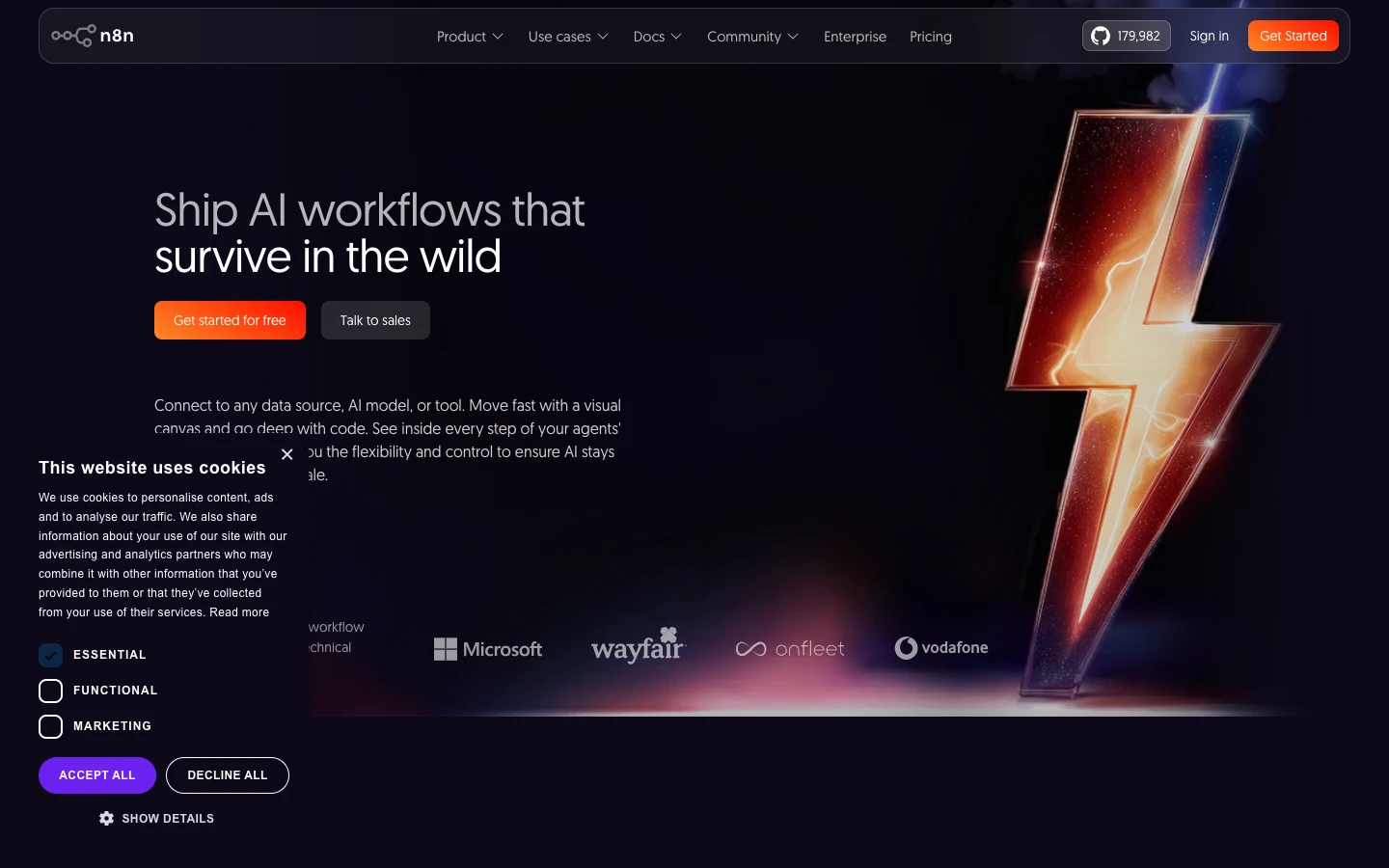
The value of n8n is in connecting systems rather than generating content directly. A typical creative workflow might trigger image generation from a CMS event, resize and watermark the output, upload it to cloud storage, and post it to social media, all without manual intervention. n8n supports self-hosting, which appeals to teams with strict data policies. The downside is that you're building integrations from scratch. There's no visual preview of generated content within the editor, and debugging AI-specific issues (prompt failures, model timeouts) requires separate tooling. For dedicated AI pipeline automation, purpose-built creative platforms may be more efficient.
6. Adobe Firefly
Adobe Firefly is Adobe's generative AI engine, embedded directly into Photoshop, Illustrator, Express, and the standalone Firefly web app. Generative Fill, Generative Expand, and Text Effects are the headline features, allowing users to modify existing assets with natural language prompts inside tools they already use. For teams invested in the Adobe ecosystem, Firefly adds AI image generation without changing their existing workflow.
Firefly's commercial licensing model is its biggest differentiator. Adobe trains Firefly on licensed Adobe Stock content, which means generated outputs are cleared for commercial use without the legal ambiguity that surrounds other model providers. The integration with Creative Cloud libraries means generated assets flow directly into team libraries and shared projects. The limitations are model quality (Firefly outputs tend to be more conservative than open-source alternatives) and the requirement for a Creative Cloud subscription, which adds cost for teams that only need AI generation and image upscaling capabilities.
7. Canva
Canva has integrated AI across its entire design platform, offering text-to-image generation (powered by a mix of internal and third-party models), Magic Write for copy, background removal, and Magic Animate for motion graphics. The strength is accessibility. Anyone on a team can produce batch AI-generated design assets without design training.

For marketing teams and content operations, Canva's Brand Kit, template system, and approval workflows create a structured creative pipeline that works at scale. The AI features accelerate each step rather than replacing the design process entirely. Canva's free tier is generous, and the Pro plan is significantly cheaper than Adobe Creative Cloud. The tradeoff is depth. Power users will find the AI generation options limited compared to dedicated platforms, and there's no node-based canvas for building custom multi-model pipelines. Canva is best for teams that need good-enough AI generation embedded in a familiar design tool.
8. Jasper
Jasper focuses on AI-powered content and copy generation for marketing teams. Its workflow features include brand voice profiles, campaign briefs, and team collaboration tools built around text generation. Jasper supports image generation through integrations, but its primary value is in scaling written content production for ads, emails, social posts, and long-form articles.

The platform's strength is its marketing-specific focus. Brand voice training ensures outputs match existing tone and terminology, and campaign-level organization keeps large content operations structured. Jasper integrates with Google Docs, Webflow, and other publishing tools. The limitation is that Jasper is a text-first platform. If your creative workflow centers on visual assets, video, or multi-modal generation, you'll need additional tools. For visual pipeline needs, dedicated creative platforms offer more comprehensive workflow tools.
Comparison Table
| Platform | Primary Focus | AI Models | Pipeline Editor | Pricing | Best For |
|---|---|---|---|---|---|
| Wireflow | AI pipeline building | Multi-model (50+ models) | Yes (visual canvas) | Free tier, Pro from $29/mo | Multi-model creative pipelines |
| ComfyUI | Image generation | Stable Diffusion ecosystem | Yes (local) | Free (open source) | Technical users wanting full control |
| Runway | Video + multimedia | Proprietary (Gen-3 Alpha) | No (timeline-based) | Credit-based, from $15/mo | Video-focused creative teams |
| Kittl | Design assets | Multi-provider (OpenAI, FLUX, etc.) | Limited (Creative Flows) | Free tier, Pro from $10/mo | Brand-consistent design output |
| n8n | Workflow automation | Any via API integrations | Yes (automation nodes) | Free (self-hosted), Cloud from $20/mo | Connecting AI to existing systems |
| Adobe Firefly | Image editing + generation | Firefly (proprietary) | No (embedded in CC apps) | Included with Creative Cloud | Teams already in Adobe ecosystem |
| Canva | General design | Mixed internal + third-party | No | Free tier, Pro $13/mo | Non-designers needing quick assets |
| Jasper | Content + copy | GPT-4, proprietary | No (template-based) | From $49/mo | Marketing content at scale |
FAQ
What is an AI creative workflow platform?
An AI creative workflow platform is software that integrates generative AI models into structured, repeatable creative processes. Rather than using AI tools individually, these platforms connect multiple models and steps into pipelines that automate parts of creative production.
Do I need coding skills to use these platforms?
It depends on the platform. Canva, Kittl, and Jasper require no coding at all. Wireflow and n8n use visual node editors that are code-optional. ComfyUI requires no traditional coding but demands technical understanding of diffusion model architectures. Runway is primarily a visual editing interface.
Which platform is best for video generation?
Runway is the strongest option for dedicated AI video generation, with its Gen-3 Alpha model producing the most coherent text-to-video output currently available. Wireflow supports video models within its pipeline editor for teams building multi-step video workflows. Other platforms on this list focus primarily on image and text generation.
Can I use multiple AI models in one workflow?
ComfyUI, n8n, and Wireflow all support multi-model workflows. ComfyUI chains Stable Diffusion components, n8n connects any API-accessible model, and Wireflow provides a visual canvas for connecting 50+ models including image generators, upscalers, and video models. Kittl offers limited multi-model support through Creative Flows.
Are AI-generated images safe for commercial use?
Adobe Firefly is the safest option for commercial use, as it trains on licensed content and provides IP indemnification. Most other platforms use models trained on web-scraped data, which carries some legal uncertainty. Check each platform's terms of service and the specific models used in your AI asset pipeline for licensing details.
How do these platforms handle brand consistency?
Jasper offers brand voice profiles for text content. Canva and Kittl provide Brand Kit features for visual consistency. Wireflow lets you save and reuse workflow templates with fixed model parameters, ensuring consistent outputs. ComfyUI achieves consistency through saved workflows and LoRA models fine-tuned on brand assets.
What is the most affordable option?
ComfyUI is completely free but requires your own GPU hardware. Canva offers the most generous free tier among commercial platforms. n8n is free to self-host. Kittl and Wireflow offer free tiers with limited usage. Runway, Jasper, and Adobe Firefly have the highest entry costs but include more enterprise features.
Can these platforms integrate with my existing tools?
n8n has the broadest integration ecosystem with 400+ native connectors. Jasper integrates with Google Docs and popular CMS platforms. Canva connects to social media and cloud storage services. Wireflow and Runway offer APIs for custom integrations. Adobe Firefly works within the Creative Cloud ecosystem. Check each platform's tools page for specific integration details.
Conclusion
The best AI creative workflow platform depends on where your team spends the most time. For full pipeline control with multiple AI models, Wireflow leads with a visual builder that connects generation, transformation, and publishing into one canvas. For video production, Runway is purpose-built. For accessible design, Canva and Kittl deliver. For marketing copy, Jasper scales well. The platforms that will matter most in 2026 are the ones that let creative teams build and own their AI workflows, not just use pre-packaged features one at a time.
Would you rather we just built it?
We get on a call, learn your style, build the workflow, and ship the deliverables on a schedule. You keep the workflow either way.