 Andrew Adams · Co-Founder & Operations at Wireflow ·
 No Code AI Canvas
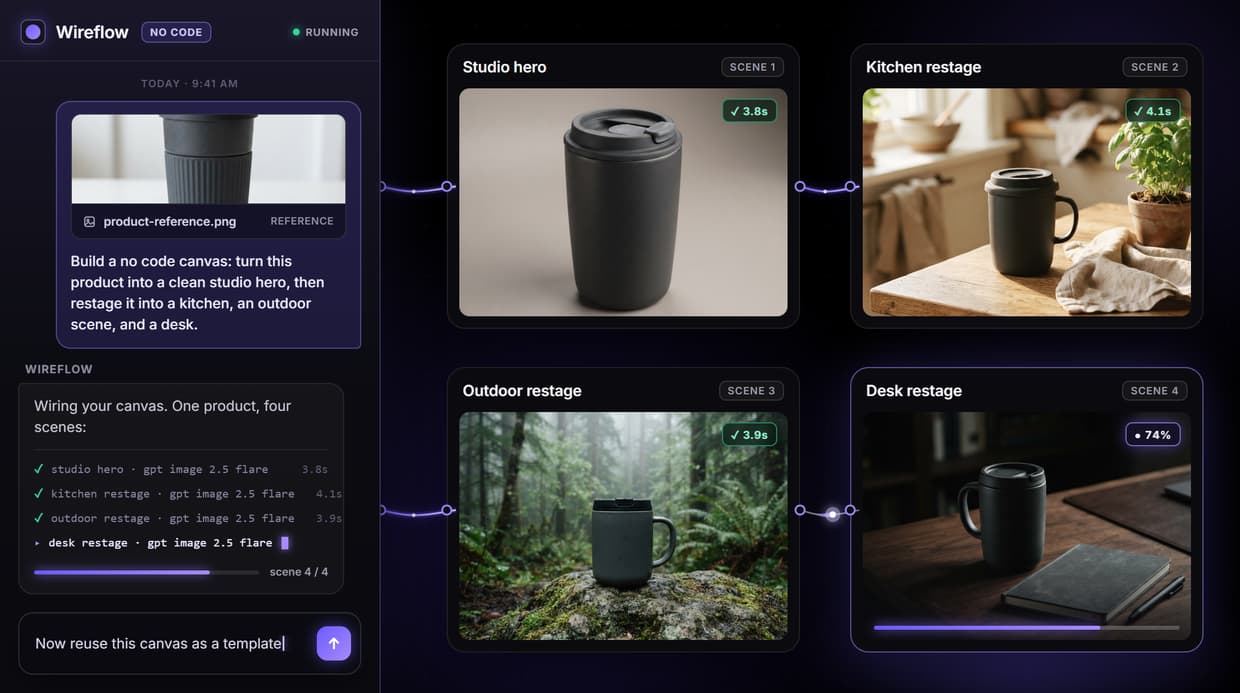
Wireflow is a no code AI canvas: drag AI model nodes onto a workspace, wire one node's output into the next, and run a multi step pipeline in your browser.
No code, no GPU, no install. The demo flow turns a written product brief into a finished marketing image.
Free to build · no credit card · See how it works ↓
How to Use No Code AI Canvas
Steps to get you started in Wireflow.
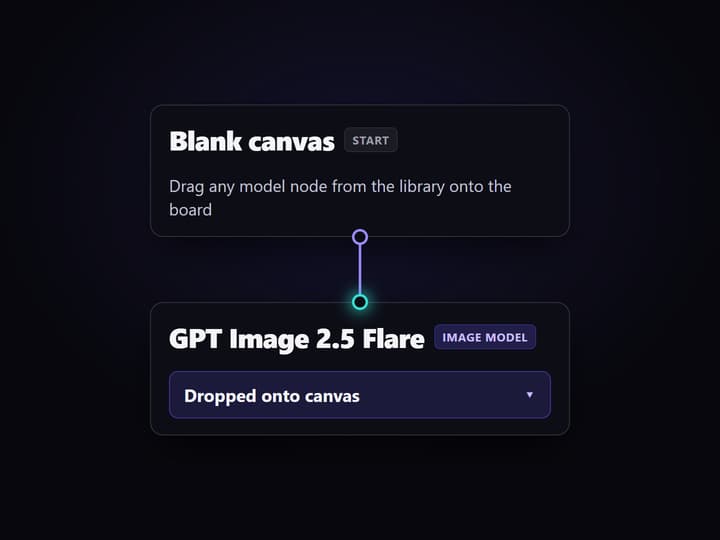
Drag model nodes onto the canvas
Open a blank canvas and drop the nodes you want. The demo flow starts with a product brief, a system prompt, and a Claude Sonnet 4.5 node, with no code required.
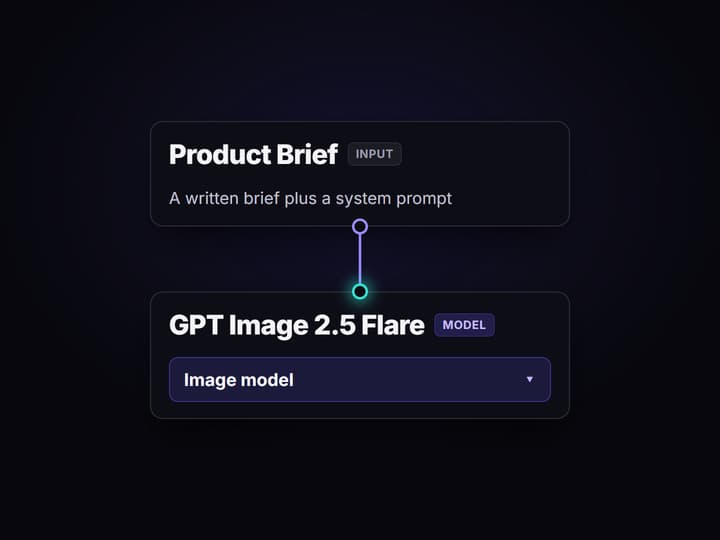
Wire one node into the next
Draw a line from each output to the next input. The brief feeds Claude Sonnet 4.5, its prompt drives a GPT Image 2.5 Flare node, and that image feeds an edit node.
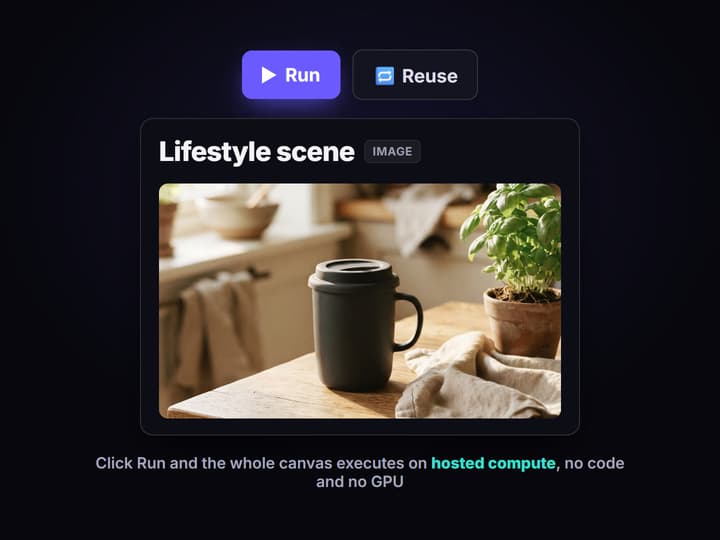
Run the whole chain in one click
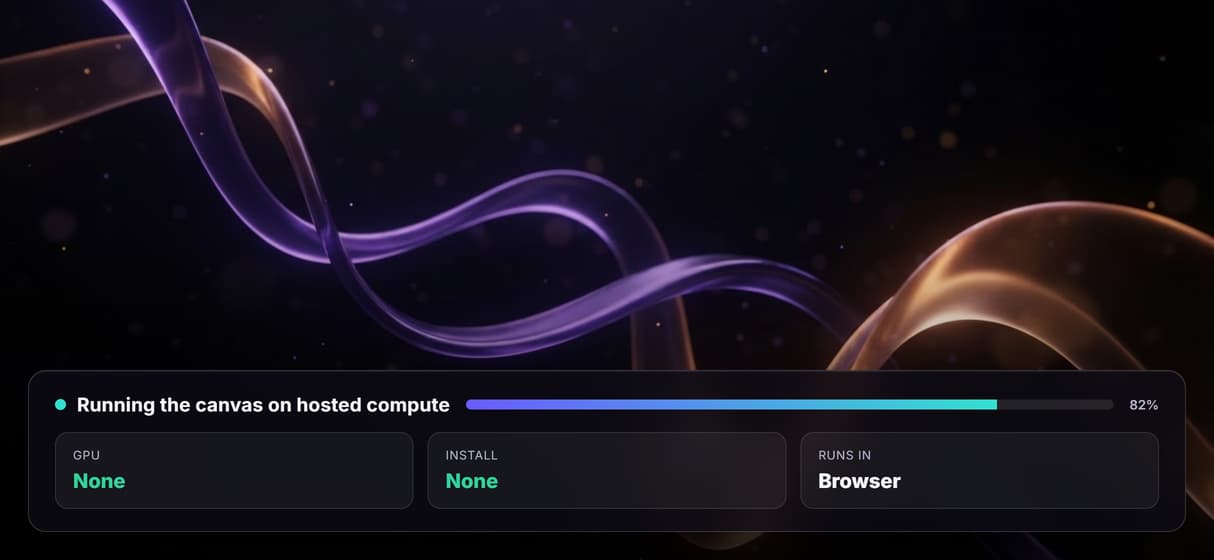
Click Run and Wireflow executes every node in order on hosted compute. The brief becomes a finished lifestyle marketing image, with no GPU and nothing to deploy.
The canvas is where the work happens
A no code AI canvas turns model chaining into something you can see. Instead of stitching API calls together in code, you drag a model onto a board, wire its output into the next node, and watch data flow through the graph. It is a faster way to design a multi step pipeline, and you never leave the browser.
Wireflow keeps that visual canvas and runs it on hosted compute, so there is no GPU to rent and no environment to set up. Build the flow once, run it, then reuse it or hand it to a teammate. It is the visual side of an AI image generator and every other model in the library.
What you can put on the canvas
Image nodes
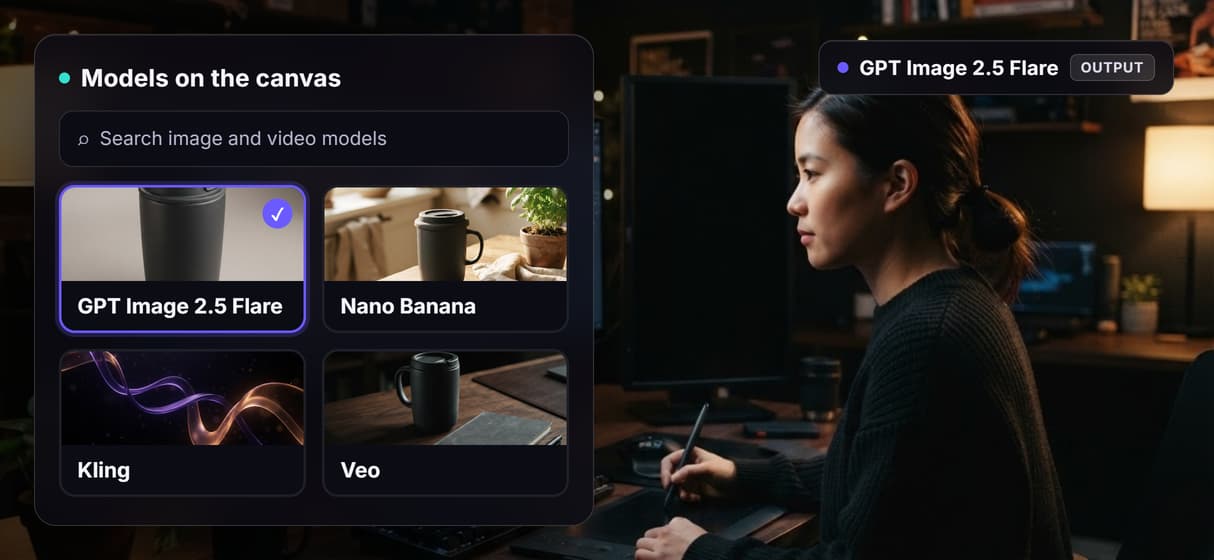
Generate stills with GPT Image 2.5 Flare, Flux, Nano Banana, or Seedream from a single prompt node.
Video nodes
Turn a prompt or an image into motion with Kling, Veo, Seedance, or Luma on the same canvas.
Prompt and text nodes
Feed a text input into a Claude Sonnet 4.5 node to expand a rough brief before it reaches a model.
Upscale and clean up
Chain a Topaz upscaler or a background remover onto any output before it leaves the canvas.
Multi step chaining
Wire one node into the next, so a brief becomes a base image becomes a finished marketing shot.
Reuse and publish
Save the canvas as a template or publish it as a simple app a teammate can run.
How a brief becomes a finished image
The demo canvas behind this page is a real multi step flow. A product brief and a system prompt feed a Claude Sonnet 4.5 node that expands the brief into a detailed image prompt. That prompt drives a GPT Image 2.5 Flare node, which renders a clean base product shot.
A second text node describes a lifestyle scene. It joins the base image at a GPT Image 2.5 Flare edit node, which restages the product into the finished scene. One brief in, one marketing image out, every step visible on the canvas. Swap the last node for a video model and the same pattern produces a clip instead.
What it is, and what it is not
Wireflow is the generation layer, not the reasoning brain. It runs the image, video, and audio pipeline; it does not write your strategy or your copy. If your work is pure text, you do not need a node canvas.
It is hosted by design, so there is no offline mode, no custom Python nodes, and no local checkpoints to import. Editing is single player, not real time multiplayer. That is the honest trade for never touching CUDA. If you want a visual canvas without the GPU, and a flow you can reuse and share, this is built for it.
More Than Just No Code AI Canvas
Build it by dragging, not coding
Place each model as a node and draw wires between them, so a multi step AI workflow is something you can see and edit, never a script.
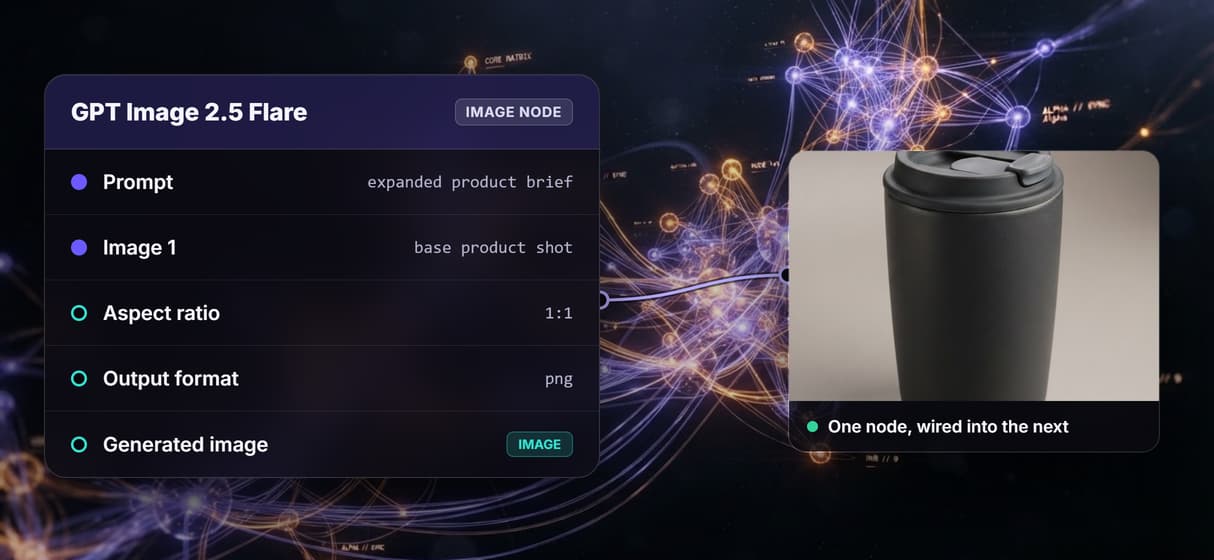
Every model is a node
Drag image, video, and audio models onto one canvas and chain them in a single multi model AI workflow, with nothing to install.
Run it without a GPU
Click Run and the whole canvas executes in your browser, the same no GPU ComfyUI idea, with no CUDA and no downloads.
Reuse and remix any canvas
Save a canvas to your library, duplicate it, and swap one node for another, or start from a ready to run template built by others.
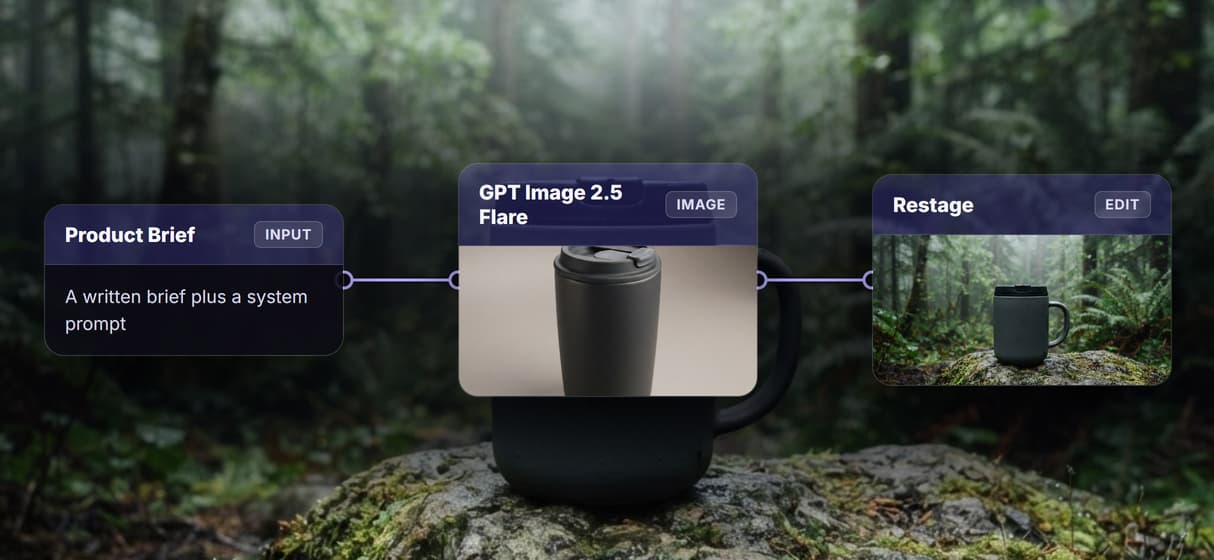
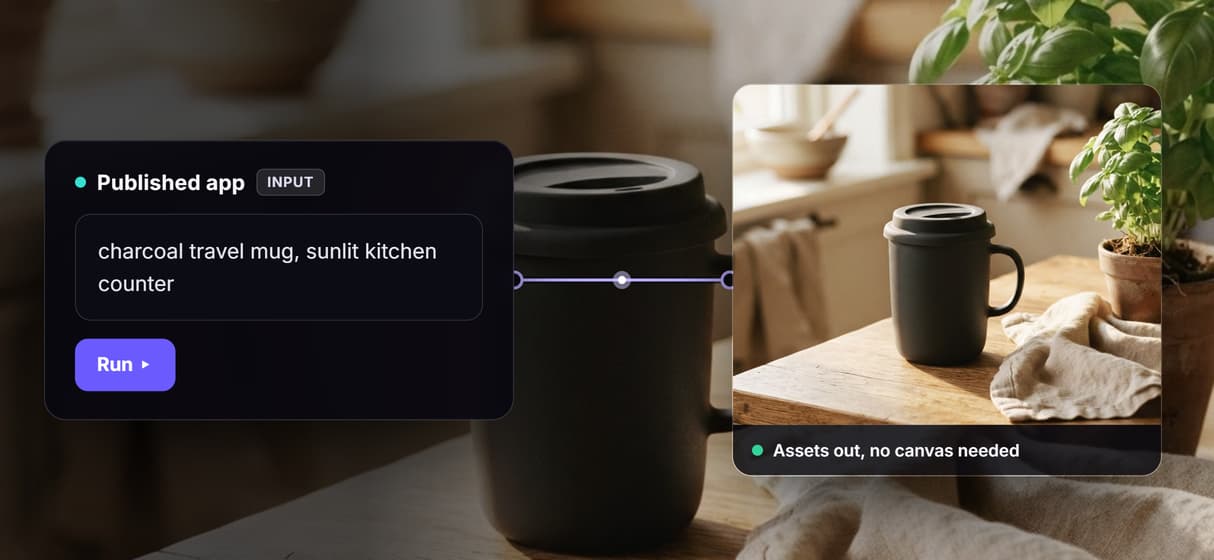
Publish a canvas as an app
Turn a finished canvas into a simple form so a teammate runs your creative workflow automation with inputs in and assets out.
Build Any AI Workflow
AI Models Integrated
Full Commercial License
FAQs
It is a visual workspace where you build an AI pipeline by dragging model nodes onto a board and wiring them together. You design and run complex image and video flows without writing any code.
Discover related AI tools
- Weavy AI Alternative (Weavy.ai Is Now Figma Weave)
- Flora AI Alternative
- Freepik Spaces Alternative
- RoboNeo AI Alternative: 79 Models in Your Browser
- Sotatech AI Alternative
- Pletor AI Alternative: 79 Models, No Black Box
- Fuser Studio AI Alternative
- AI Creative Workflows
- Visual Node Editor
- Reusable AI Templates
- AI Pipeline API
More From Wireflow
Written by
Andrew Adams · Co-Founder & Operations at Wireflow
Runs client operations and content strategy at Wireflow. Works directly with creative teams and agencies to build production AI workflows.
Build your first canvas
Open the demo flow, see how a brief is wired through a Claude Sonnet 4.5 node into two image nodes, then change a prompt and run it yourself. No code, no GPU, and nothing to install.