 Andrew Adams · Co-Founder & Operations at Wireflow ·
 Freepik Spaces Alternative
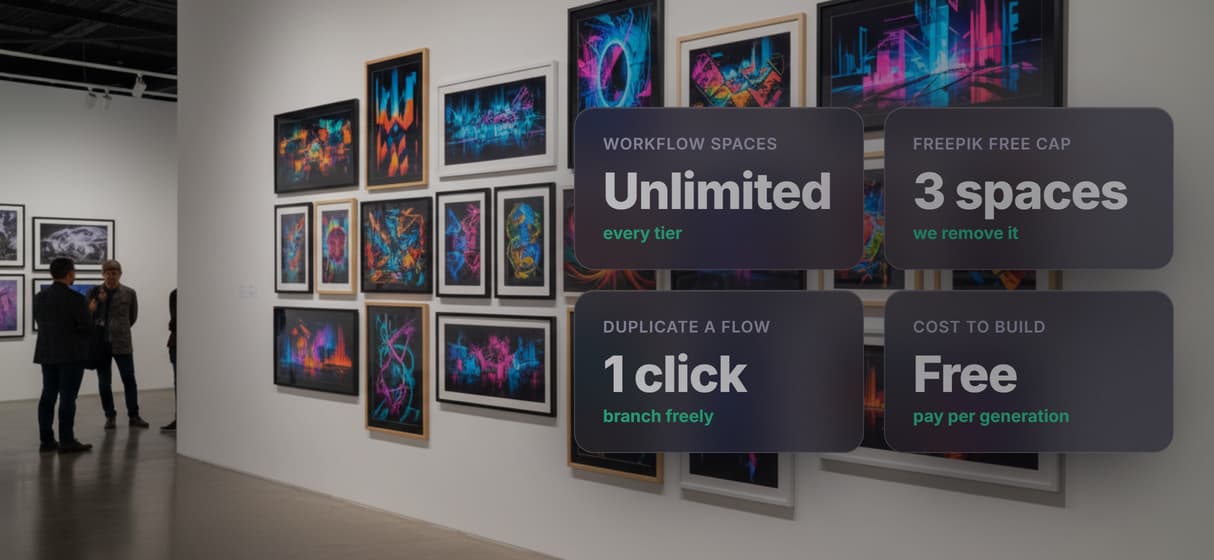
Freepik Spaces caps free plans at 3 spaces.
Wireflow doesn't: build unlimited node canvases, swap between 79 image, video, and audio models, and call any published workflow as a REST or MCP API. Start free, pay only per generation.
Free to build · no credit card
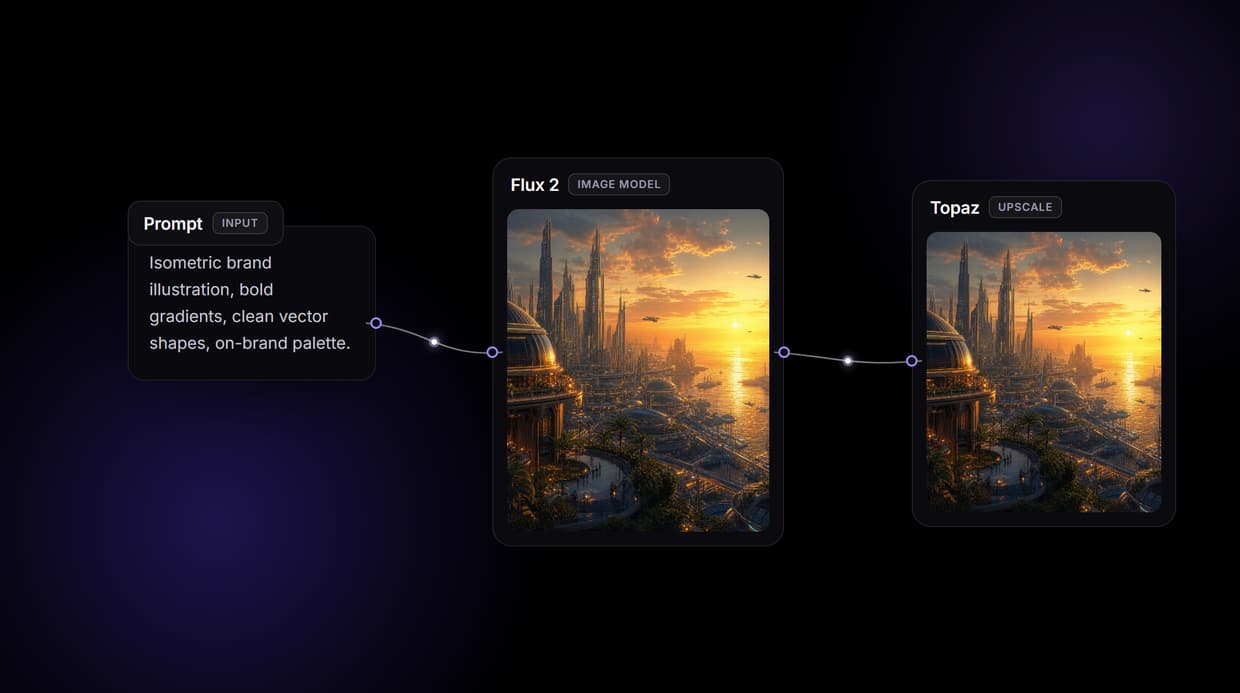
What transfers from Freepik Spaces (and what you rebuild)
The mental model transfers cleanly. Wireflow is a node-based visual canvas, so if you already think in nodes and connections, you are at home on day one. You keep the infinite-canvas habit of chaining generation, editing, and post-processing steps into one graph.
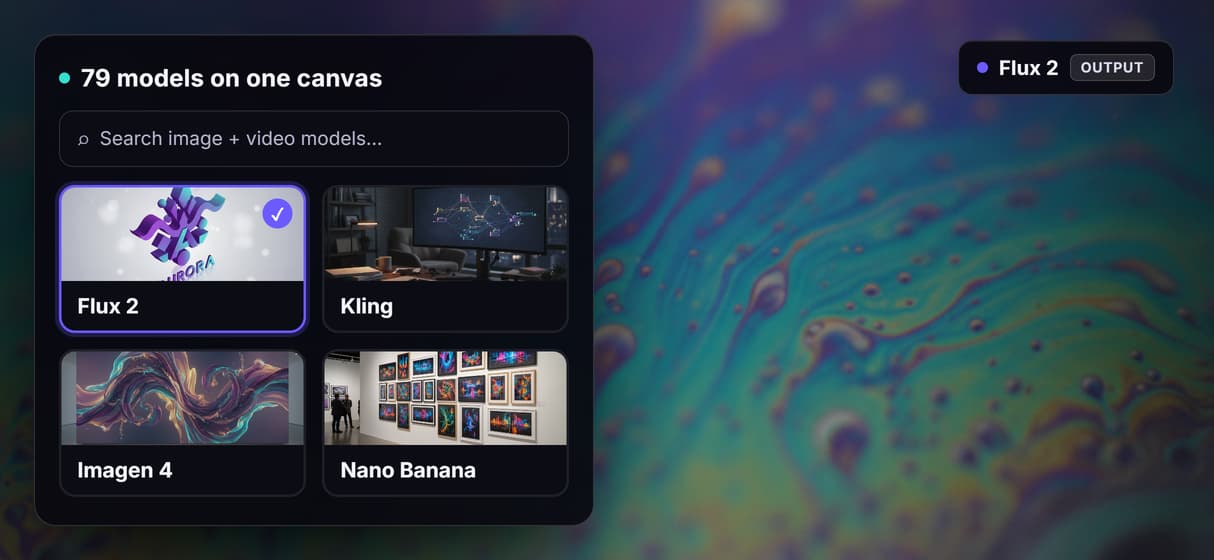
What does not transfer is the file itself. A Freepik Spaces layout does not import into Wireflow, so you rebuild each workflow once on the canvas. That one-time cost has an upside: as you rebuild, you can swap any node for any of the 79 hosted models across image, video, and audio, and the finished flow is versioned and shareable by link. Most people come out with a cleaner, faster flow than the one they left.
The moat Freepik Spaces does not have: REST and MCP
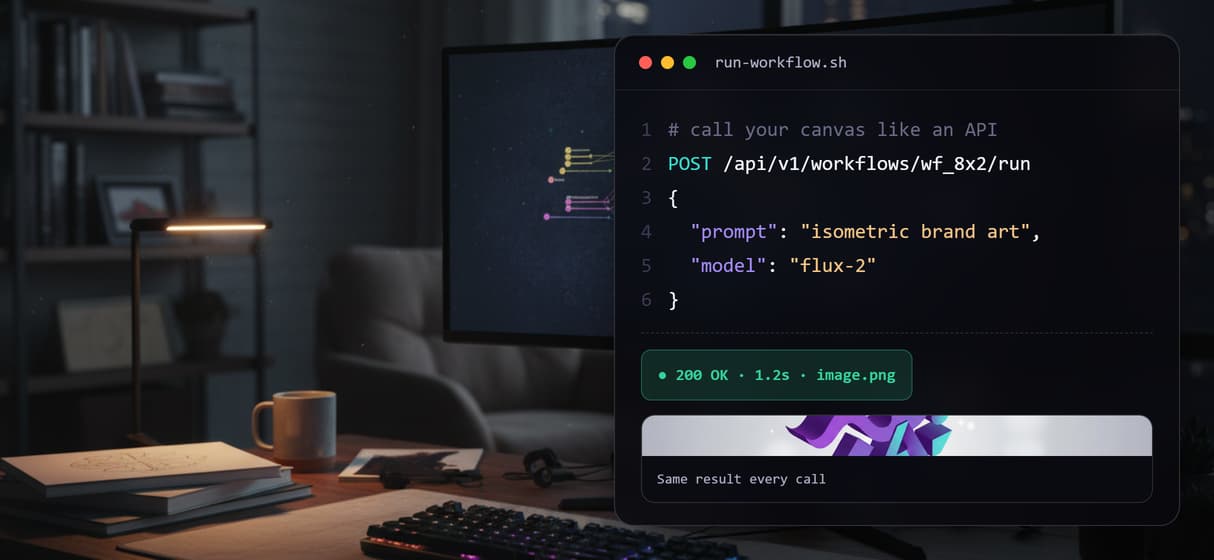
This is the real reason to switch, not the space count. Publish any workflow in Wireflow and it is instantly two things: a hosted REST endpoint and an MCP tool. No export step, no deploy, no wrapper code.
So the flow you design by hand can be called by your own application over REST, and an AI agent can discover and run it as an MCP tool with typed inputs. Workflows are versioned server-side, so you keep iterating on the canvas while your integrations call a stable endpoint. One honest caveat: Wireflow is the generation layer, not the reasoning brain. Your app or agent supplies the logic, and Wireflow turns each call into finished images and video. A credit-metered canvas gives you images. Wireflow gives you a canvas that is also programmable infrastructure.
Honest tradeoffs: when Freepik Spaces still wins
We will not pretend the switch is free. If your whole workflow already lives inside Freepik, where Spaces sits next to their stock library and editor, staying keeps everything in one bill and one tab. Wireflow is a focused workflow canvas, not a stock-asset marketplace: there is no built-in library of photos or vectors to pull from.
Wireflow also has no real-time multiplayer editing. If several people must work in the same canvas at the same moment, that need is not what Wireflow is built for today. Choose Wireflow when the job is the pipeline itself: chain models in one graph, build as many workflows as you want on any plan, and call the finished flow as a REST endpoint or MCP tool. Pick the tool that matches the job you actually have.
Pricing you can predict
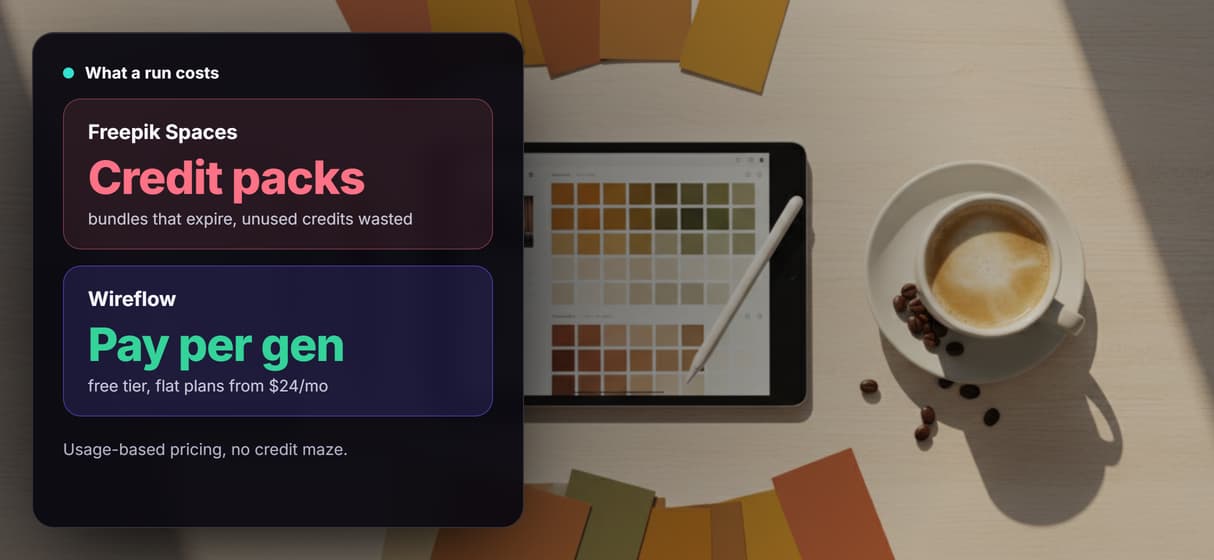
Freepik Spaces caps free users at 3 spaces, so a fourth project means an upgrade whether or not you generate anything. Wireflow charges for output instead: building on the canvas is free, generations are pay as you go, and flat plans start at $24/mo when you want a known ceiling.
Spaces are unlimited on every Wireflow tier, so you never pay just to keep projects organized. Your bill tracks the image, video, and audio generations you actually run, not seats or slots. One honest tradeoff: Freepik bundles a stock asset library into its subscription and Wireflow does not, so if stock photos and vectors are part of your daily flow, that bundle still earns its keep.
More Than Just Freepik Spaces Alternative
Unlimited spaces on every plan
Freepik free accounts cap at 3 spaces. Wireflow gives every plan unlimited spaces, so you organize by project, not quota.
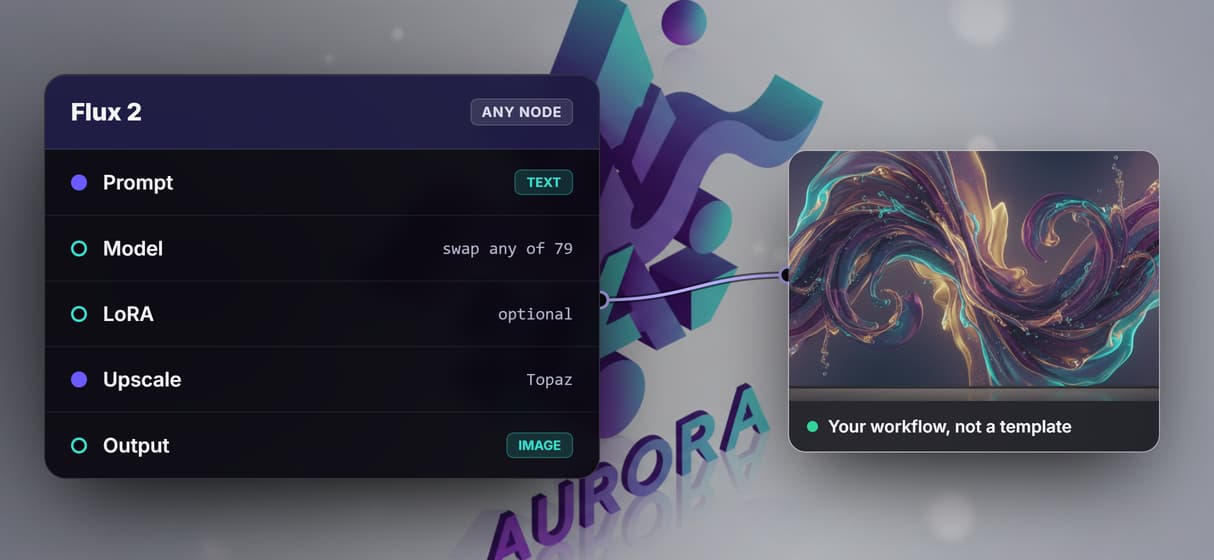
79 models, swap any canvas node
Flux 2, Nano Banana 2, Veo 3.1, Kling 3 Pro, Seedance, and Recraft V4 span image, video, audio, and 3D with no rebuild. The same model library is what makes Wireflow a RoboNeo alternative for mobile-first users.
Build free, pay per generation
Freepik Spaces is subscription-bundled. Wireflow starts at $24/mo, a durable, clear-cost ComfyUI alternative for teams.
REST + MCP from every workflow
Publish hosted endpoints with typed inputs. People, agents, and apps call the MCP tool as an on-demand AI design agent.
Open, not template-locked
Wireflow does not lock you into templates or enterprise tiers. You build any flow from open nodes, the same node-first freedom you would want in a real Flora AI alternative.
Build Any AI Workflow
AI Models Integrated
Full Commercial License
FAQs
Wireflow keeps the node canvas but removes the limits. You get unlimited workflow spaces on every plan, 79 AI models across image, video, and audio that you can swap per node, and every published workflow automatically becomes a REST endpoint and an MCP tool. Building on the canvas is free; you pay per generation, with plans from $24 per month.
More From Wireflow
Written by
Andrew Adams · Co-Founder & Operations at Wireflow
Runs client operations and content strategy at Wireflow. Works directly with creative teams and agencies to build production AI workflows.
Rebuild your first space free, then ship it as an API
Unlimited spaces, 79 swappable models, and every workflow becomes a REST endpoint and an MCP tool agents can call. No install, no GPU, pay only when you generate.