 Andrew Adams · Co-Founder & Operations at Wireflow ·
 RoboNeo AI Alternative: 79 Models in Your Browser
Turn a product brief into a reusable image workflow.
Open the studio-and-lifestyle template, change the brief, and control each stage. Free to build; ongoing generation uses paid credits.
Free to build · no credit card
What Is RoboNeo AI?
RoboNeo AI is a creative platform from Meitu. Its web and mobile tools use conversation to help create and edit images and video. It suits people who want to describe a result and let an AI agent guide the creative process.
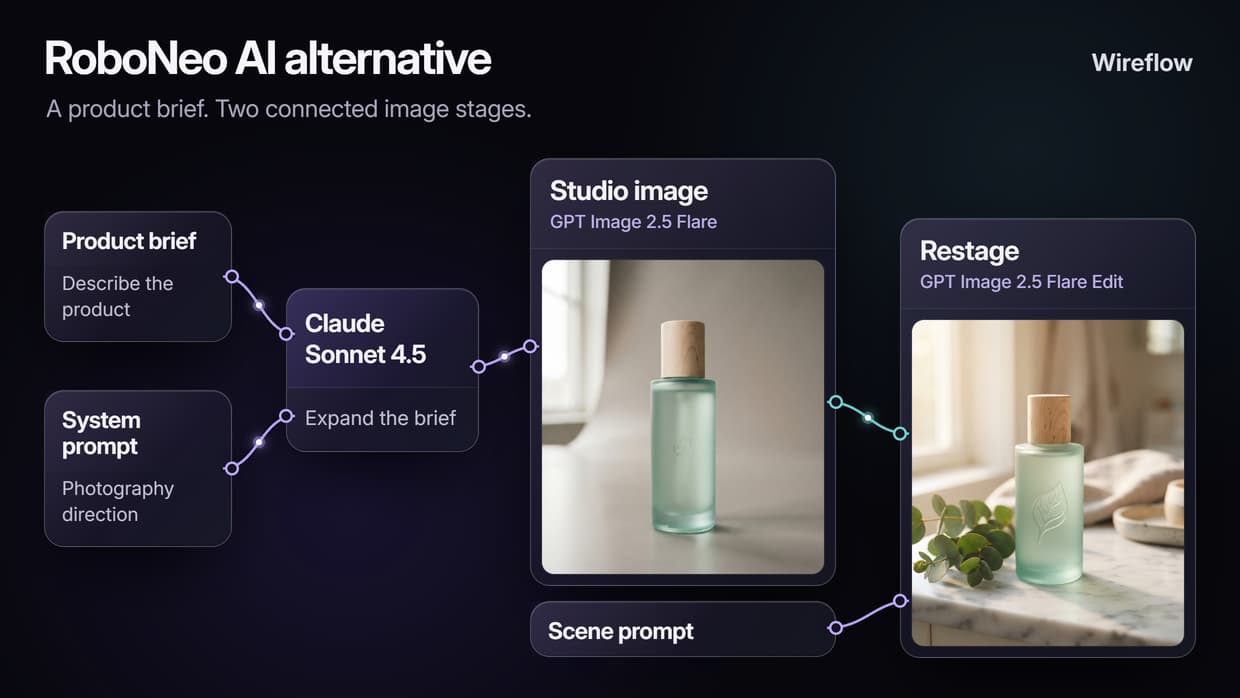
Wireflow gives that process a visible structure. Prompts, model calls and image edits sit on a node canvas, so you can reuse a useful sequence and change one stage for the next brief. Start from the connected product-photo template on this page to avoid building the first graph from scratch.
Wireflow vs RoboNeo AI
The main reason to choose Wireflow is control over a process you will use again. Each step stays visible: a prompt feeds a model, and the resulting image can feed the next editing stage. You can adjust the brief, scene direction or model settings without recreating the whole workflow.
The linked template has a specific starting point. A Product Brief and a separate System Prompt feed Claude Sonnet 4.5. Its text feeds a GPT Image 2.5 Flare studio-image node. That image and a Lifestyle Scene Prompt feed a second GPT Image 2.5 Flare node. Open the template, replace the sample brief, and adapt the two image stages to your product.
Other supported models can fill appropriate stages, provided their inputs and outputs match the connections. Model costs are visible before a run, and your own saved workflow can also accept inputs through the API.
Image Editing Without the Chat
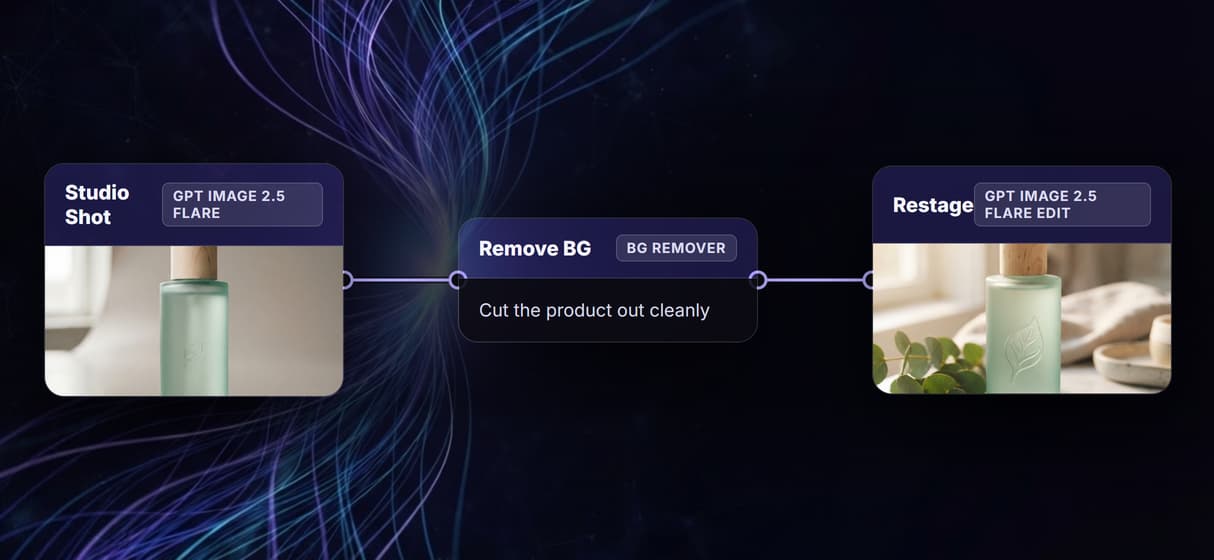
Save the editing steps you want to repeat. A generated product image can feed a restaging node, an upscaler or a background remover, keeping the handoffs together on one canvas. That is useful when several product briefs need the same kind of treatment.
There is some setup: choose compatible nodes, connect the right inputs and try the flow on one image first. The reusable part is the recipe and its settings. AI-generated details can still change between runs, so review the images before using them in a campaign.
When to Choose Wireflow Over RoboNeo AI
Choose Wireflow when your next project should reuse the steps from this one: product imagery, a sequence of edits, or an image that will later become a video. The linked template gives you a starting graph, and visible prompts make it easier to change the product or scene without losing the structure.
RoboNeo may be a better fit if you prefer conversational creation and want the agent to guide the process. Wireflow is most useful when you want to decide how the stages connect, compare supported model choices, or pass fresh inputs to the same workflow from code.
Wireflow vs RoboNeo AI at a Glance
Use the same production recipe for the next brief, with the prompts and model stages available to edit.
Where Wireflow wins
- Visible, connected steps you can refine individually
- A product-photo template with prompt expansion, studio generation and restaging already wired
- Hosted image, video and text models in one workspace
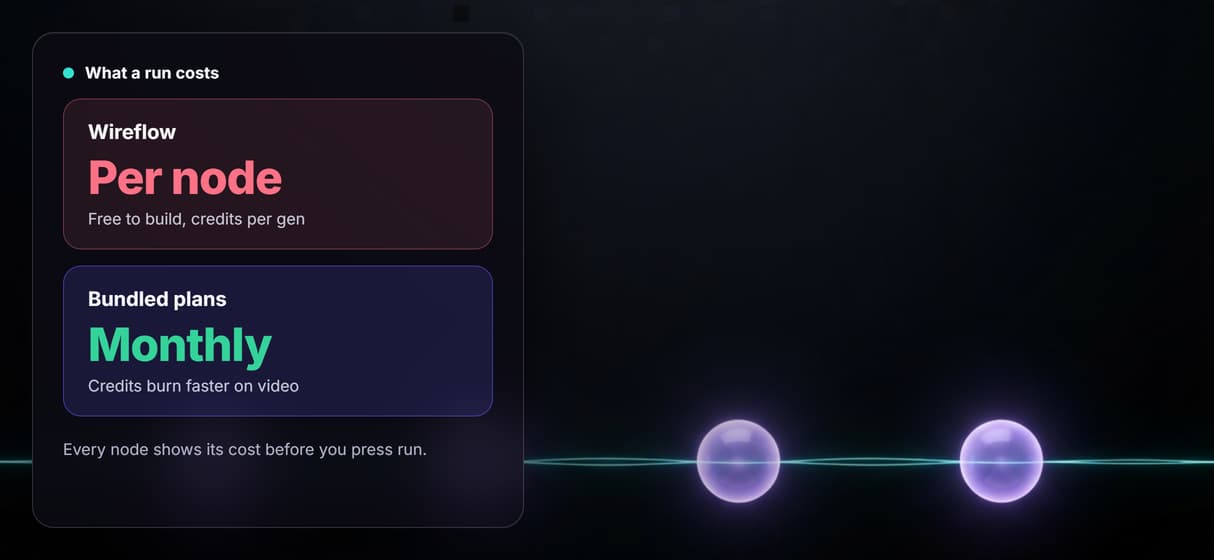
- Model credit costs shown before you run
- API and MCP options for running workflows you own or can access
Choose RoboNeo AI if
- You prefer an agent-led conversation for creative work
- You want to describe the overall result rather than arrange a graph
- A one-off image or video is the main task
Pricing, checked August 2026. Wireflow is free to build and browse, with no credit card required. Ongoing generation uses credits on a paid plan. Starter is $24 per month with 1,600 credits; Professional is $45 with 4,300 credits; Team is $249 with 21,500 credits across four seats. Cost varies by model and settings, so price the image and video stages you actually need.
More Than Just RoboNeo AI Alternative: 79 Models in Your Browser
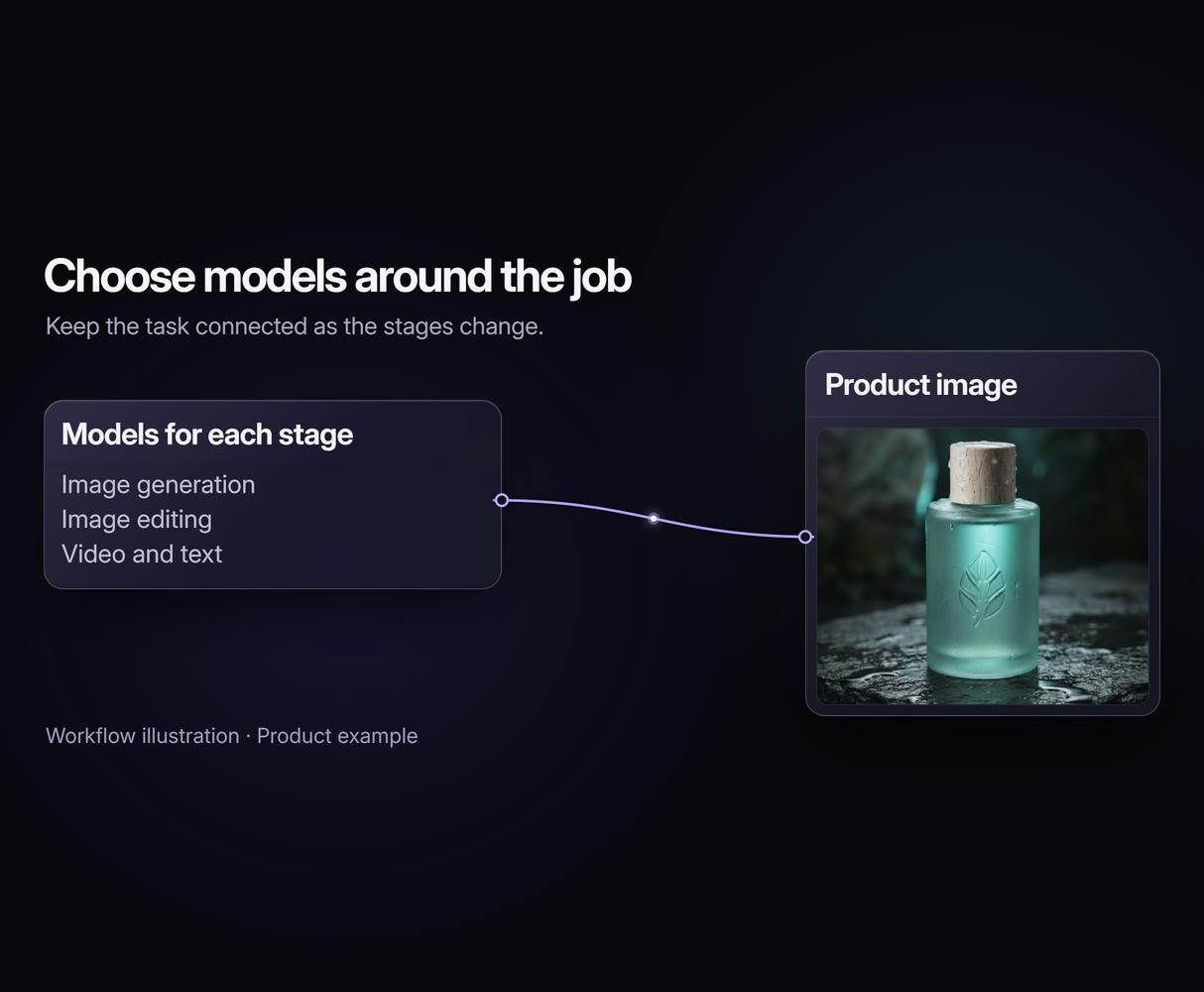
70+ Models, One Canvas
Keep image, video and text models in one reusable graph. Start with an AI Image Generator, then connect the next step.
Cost Shown Before You Run
Budget for each image or video stage before running it. An AI Image Upscaler adds its own credit cost to the workflow.
Editing By Chaining
Keep your editing recipe ready for the next brief. Connect restaging, upscaling or background removal in a reusable sequence.
Run It As An API
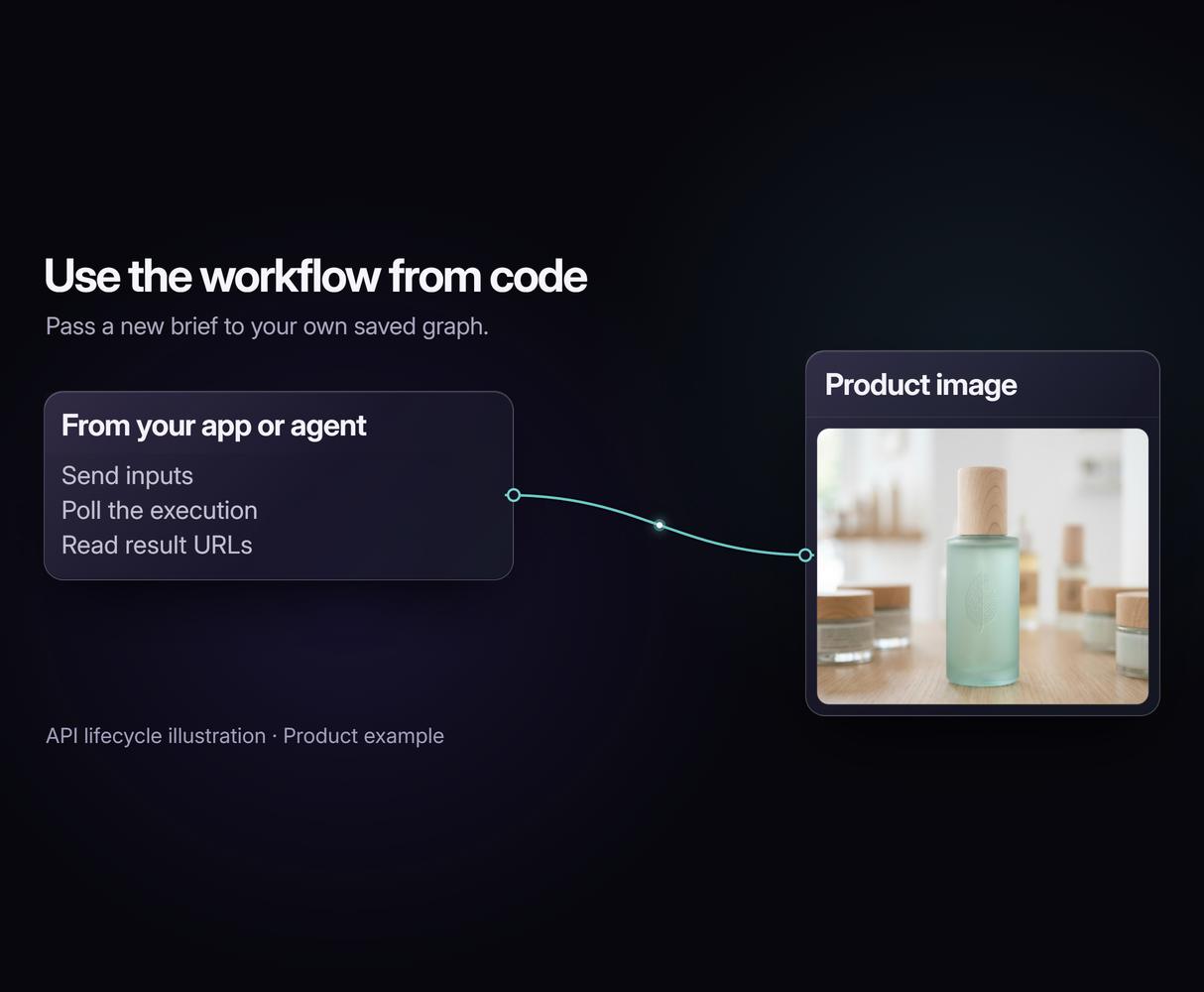
Pass new inputs to a saved workflow from your app or agent. Use the same approach for an AI Video Generator pipeline too.
New Models, Same Day
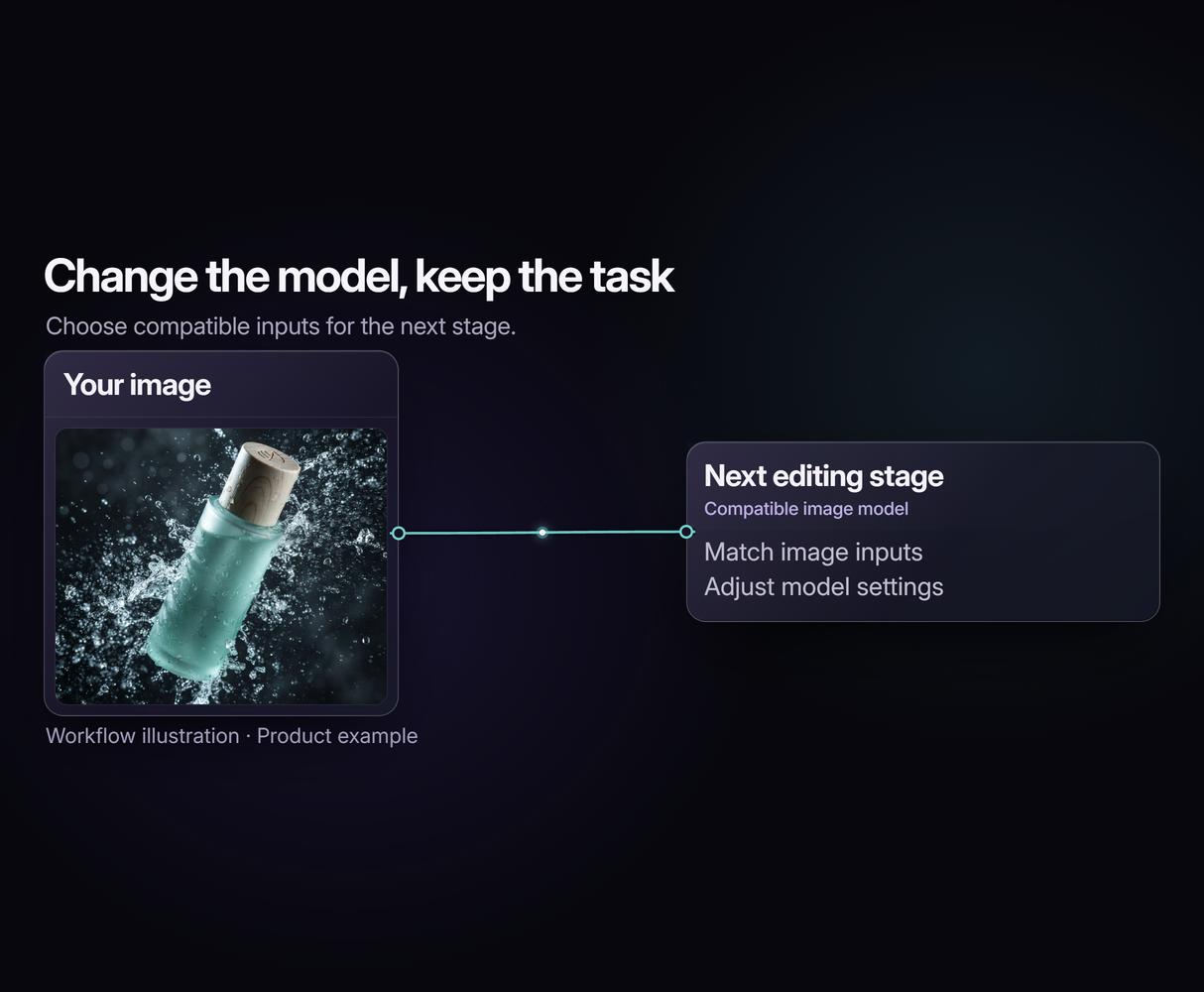
Keep a useful workflow as your model choices change. Add supported Seedance 2.0 video nodes when your product images need motion.
AI Models Available
Automate Any Workflow
Included in Every Plan
FAQs
RoboNeo AI is a Meitu creative platform with web and mobile tools for generating and editing images and video. Its AI agent uses conversation to guide the creative process.
Written by
Andrew Adams · Co-Founder & Operations at Wireflow
Runs client operations and content strategy at Wireflow. Works directly with creative teams and agencies to build production AI workflows.
Try Wireflow as Your RoboNeo AI Alternative
Open the product-photo template and make it yours. Change the brief and scene direction, then run the connected image stages. Building is free; ongoing generation uses credits on a paid plan.