Guide
AI Background Remover
Remove image backgrounds instantly with AI models in visual workflows, no manual editing required
Free to build · no credit card · Read the agent docs · See how it works ↓
 Andrew Adams · Co-Founder & Operations at Wireflow ·
How to Use AI Background Remover
Steps to get you started in Wireflow.

Add a Background Removal Node
Drag a background removal AI node onto the canvas and connect your image source. Select a model tuned for your content type: product photos, portraits, or general subjects.

Refine Edges and Set Output
Connect edge refinement and matting nodes to clean up hair and fine detail. Set your output format to transparent PNG, white background, or a custom replacement image.

Run on Single Images or Batch
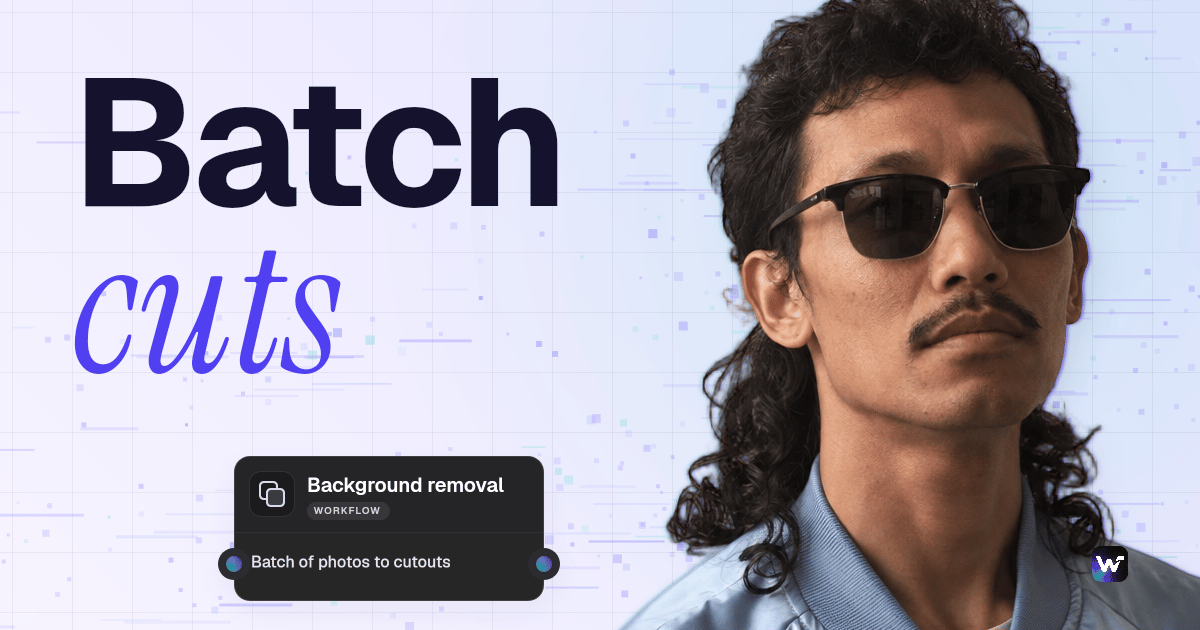
Execute on one image or connect a folder input to process entire product catalogs through the same pipeline automatically, with outputs organized into destination folders.
Build Background Removal Workflows Visually
AI background removal works by detecting subjects in an image and generating a precise mask around them, even handling difficult edges like hair, transparent materials, and fine product details. Wireflow's no-code canvas lets you connect background removal models with edge refinement, background replacement, and export nodes in a single drag-and-drop pipeline.
Different image types benefit from different model configurations. Product photography on reflective surfaces, portraits with flyaway hair, and clothing on complex backgrounds each need specialized handling. Build separate pipelines for each content type, then run them on demand or on a schedule through automated pipeline workflows.
Background Removal Capabilities
Precise Subject Detection
AI identifies subjects and generates clean masks around complex edges including hair, fur, and fine product details
Transparent PNG Export
Output clean transparent PNGs ready for e-commerce listings, design tools, or further processing
Background Replacement
Swap backgrounds with solid colors, gradients, custom images, or branded templates in one workflow step
Batch Processing
Remove backgrounds from hundreds of product images automatically through pipeline workflows
Multi-Model Chaining
Chain removal with upscaling, color correction, and format conversion for end-to-end image preparation
Real-Time Preview
See masking and background removal results instantly as you tune model parameters and thresholds
More Than Just AI Background Remover
Handle Complex Edges Accurately
Subject detection models trained on diverse image types preserve hair strands, transparent materials, and intricate product silhouettes. Chain edge refinement nodes via AI model chaining for multi-pass masking on difficult subjects.
Process Entire Product Catalogs
Connect folder inputs to your background removal pipeline and process thousands of product images overnight. Consistent, automatic outputs replace error-prone manual editing through batch AI generation workflows.
Replace or Customize Backgrounds
Add background replacement nodes to your pipeline to swap removed backgrounds with branded colors, gradients, or lifestyle scenes. Combine with the AI image generator to create custom backdrops at scale.
Chain Into Complete Image Pipelines
Connect background removal with upscaling, color correction, watermarking, and format conversion in one workflow. Build full image preparation pipelines using the visual node editor without writing a line of code.

Save and Share as Templates
Package your background removal pipeline as a reusable template your team can run with one click. Standardize processing across all image types and ensure consistent output quality across every project.

Build Any AI Workflow
AI Models Integrated
Full Commercial License
FAQs
AI background removal uses neural networks trained on millions of images to segment subjects from their surroundings. The model generates a pixel-level mask identifying the subject, then removes or replaces the background while preserving edge detail.
Discover related AI tools
- AI Image Upscaler: Upscale to 4K in a Visual Workflow
- AI Image Generator: Flow-Based Canvas, 31 Models
- ComfyUI Alternative
- AI Face Swap Online: Photos and Video in Your Browser
- Virtual Try On
- AI Thumbnail Generator
- AI Photo Generator
- AI Image Editor
- AI Art Generator
- Midjourney Alternative
- AI Headshot Generator
- Background Remover Free
More From Wireflow
Written by
Andrew Adams · Co-Founder & Operations at Wireflow
Runs client operations and content strategy at Wireflow. Works directly with creative teams and agencies to build production AI workflows.
Remove Backgrounds at Scale with AI
Connect background removal, edge refinement, and export nodes in a visual canvas. Process single images or batch entire product catalogs without code.